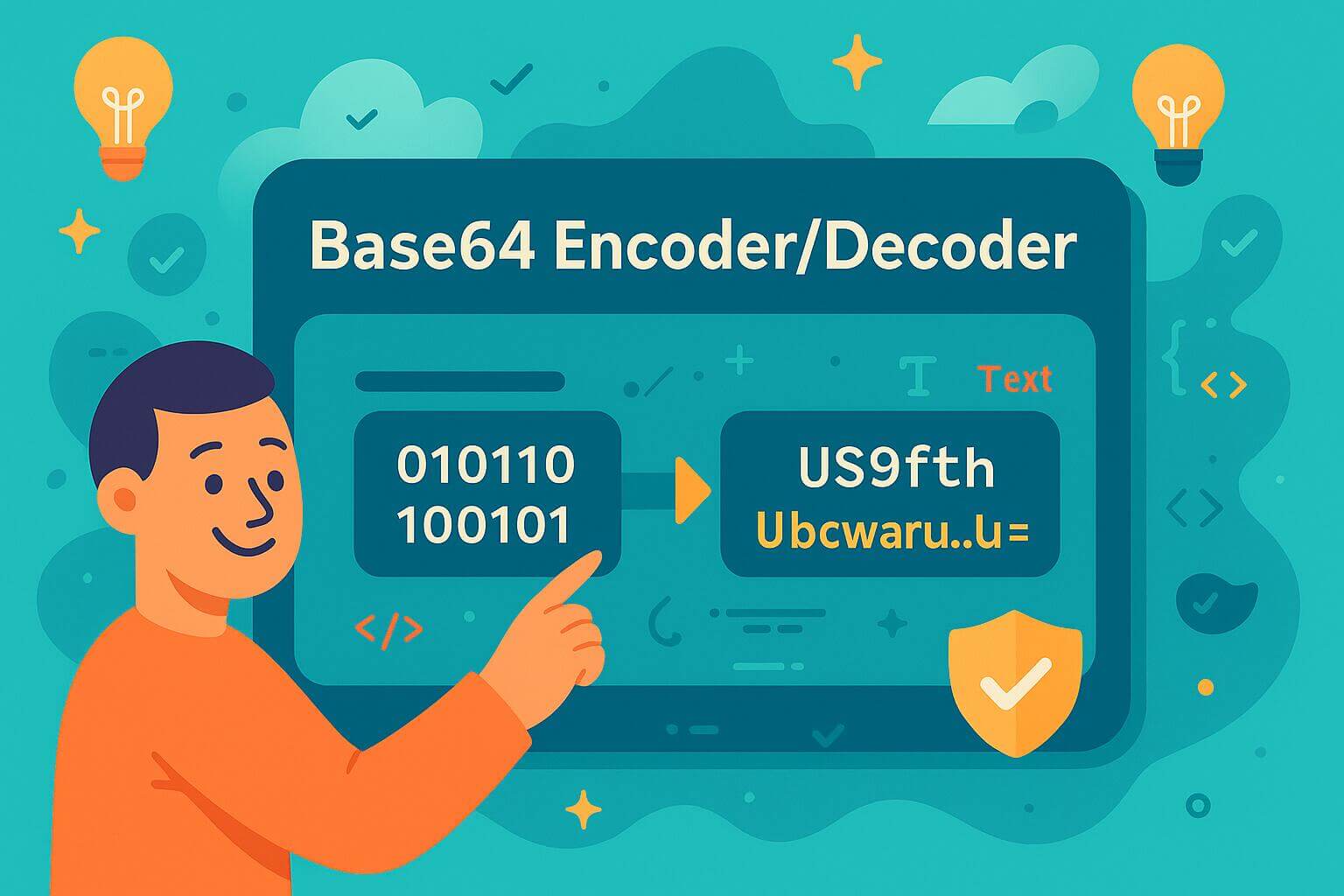
aqua cloud’s Base64 Encoder/Decoder – Free Online Tool
Testing API auth? Debugging tokens? Working with binary data? This tool converts plain text to Base64 and back in real time. No registration, no limits, just instant encoding when you need it.
💡 Use Case: Perfect for encoding API credentials, testing authentication headers, debugging JWT tokens, and handling binary data in test scenarios.
You’re encoding credentials for API tests. Decoding JWT tokens to debug failures. Copying payloads between Postman, Jira, and your test documentation. Every tool switch breaks your flow. aqua centralizes your entire QA workflow in one platform. Test cases, requirements, defect tracking, and API testing all live in the same environment. The AI Intelligence handles repetitive tasks, such as generating test data and writing documentation, while you focus on actual testing. You combine all your manual and automated tests in a centralized repository. Thousands of QA teams have already stopped tool-hopping. Be the next.
Combine all your QA efforts in 100% AI-powered, centralized solution
Base64 is a binary-to-text encoding scheme that converts data into ASCII strings. It takes binary data and represents it using 64 different characters: A-Z, a-z, 0-9, plus two more (usually + and /). This makes binary data safe to transmit over systems designed for text. You’ll see it everywhere in web development. Authentication headers, JWT tokens, embedded images in HTML, API requests. Anywhere you need to send binary data through text-only channels.
How Base64 Encoding Works
Base64 takes your input and splits it into 6-bit chunks. Each chunk maps to one of 64 characters. Three bytes of input become four Base64 characters. That’s why encoded strings look longer than the original. The process is reversible. Decoding converts those ASCII characters back to the original binary data. The padding (those = signs at the end) fills out incomplete blocks. Some systems use URL-safe Base64, swapping + and / for – and _ so the encoded string works in URLs without escaping.
Why QA Teams Need Base64 Tools
You’re testing an API that requires Basic Authentication. The header needs username: password encoded in Base64. You’re debugging why a JWT token fails validation. You need to decode the payload and check the claims. You’re verifying file uploads in your test automation. The request body carries Base64-encoded binary data. Manual encoding wastes time. Online tools that log your data are a security risk. A local Base64 encoder gives you instant conversion without exposing test credentials or sensitive payloads to third-party services.
Common Base64 Use Cases in Testing
Base64 is a daily tool in QA workflows. Every time you test an authenticated endpoint, decode a token, or validate file uploads, you’re working with Base64. Here’s where it shows up most:
API Authentication: Most Basic Auth headers use Base64. You encode credentials, add them to the Authorization header, and send the request.
JWT Token Debugging: JWT tokens have three Base64-encoded parts. Decode the payload to inspect claims, expiration times, and user data.
File Upload Testing: Many APIs accept files as Base64 strings in JSON payloads. You encode the file, embed it in your request, and validate the upload.
Data Validation: Test how your application handles encoded data. Check if it decodes correctly, rejects malformed strings, or handles edge cases like missing padding.
Binary Data in Text Formats: When you need to embed images, PDFs, or other binary files in XML or JSON, Base64 makes it possible.
These scenarios repeat across projects. Having a reliable encoder saves you from hunting down online tools or writing one-off scripts every time you need a quick conversion.
URL-Safe Encoding and Padding Options
Standard Base64 uses + and / characters. Those break URLs because they’re reserved characters. URL-safe encoding swaps them for – and _. Now your encoded string works in query parameters without percent-encoding. Padding adds = signs to make the length a multiple of four. Some systems don’t need it. APIs like Firebase and some JWT libraries accept Base64 without padding. The “No Padding” option strips those trailing equals signs. Use it when your target system expects unpadded strings. Both options are reversible. The decoder handles them automatically.
Conclusion
Base64 encoding is one of those tools you don’t think about until you need it. Then you need it constantly. API testing, token debugging, and file uploads. It’s part of the daily QA grind. Keep this tool bookmarked. Use it when you need fast, local conversion without sending your test data to random websites. Your credentials stay private, your workflow stays fast, and you can get back to actual testing.
No. Base64 is encoding, not encryption. It converts data to a different format but doesn’t protect it. Anyone can decode Base64 strings instantly. Never use it as a security measure. It’s for data transport, not data protection.
What's the difference between standard and URL-safe Base64?
Standard Base64 uses + and / characters. URL-safe Base64 replaces them with – and _ so encoded strings work in URLs without breaking. Use URL-safe when embedding Base64 in query parameters or file names.
Why is my encoded string longer than the original?
Base64 increases size by about 33%. Three bytes become four characters. That’s the trade-off for text-safe encoding. If size matters, compress your data before encoding.
Can I encode files with this tool?
This tool handles text input. For files, you need to read the file as binary data first, then encode it. Most programming languages have built-in Base64 libraries for file encoding.
What does "No Padding" mean?
Padding adds = characters at the end to make the length a multiple of four. Some systems don’t need it. The “No Padding” option removes those trailing equals signs for compatibility with APIs that expect unpadded Base64.
Stefan is an entrepreneur who deeply believes in technology. With his company, andagon Group, he’s been empowering businesses around the world to build better software through their quality assurance services and products since 2001. Stefan has cultivated a knack for tailoring aqua to seamlessly integrate…
Nurlan, a QA Coordinator & Quality Standards Officer, takes pride in orchestrating seamless QA operations. His expertise in coordinating QA-focused projects and integrating QA solutions has consistently yielded top-tier client satisfaction. Aside from a full-time QA coordinator, Nurlan's role involves creating compelling content that educates…
Home » Testing with AI » aqua cloud’s Base64 Encoder/Decoder – Free Online Tool
Do you love testing as we do?
Join our community of enthusiastic experts! Get new posts from the aqua blog directly in your inbox. QA trends, community discussion overviews, insightful tips — you’ll love it!
We're committed to your privacy. Aqua uses the information you provide to us to contact you about our relevant content, products, and services. You may unsubscribe from these communications at any time. For more information, check out our Privacy policy.
X
🤖 Exciting new updates to aqua Intelligence are now available! 🎉