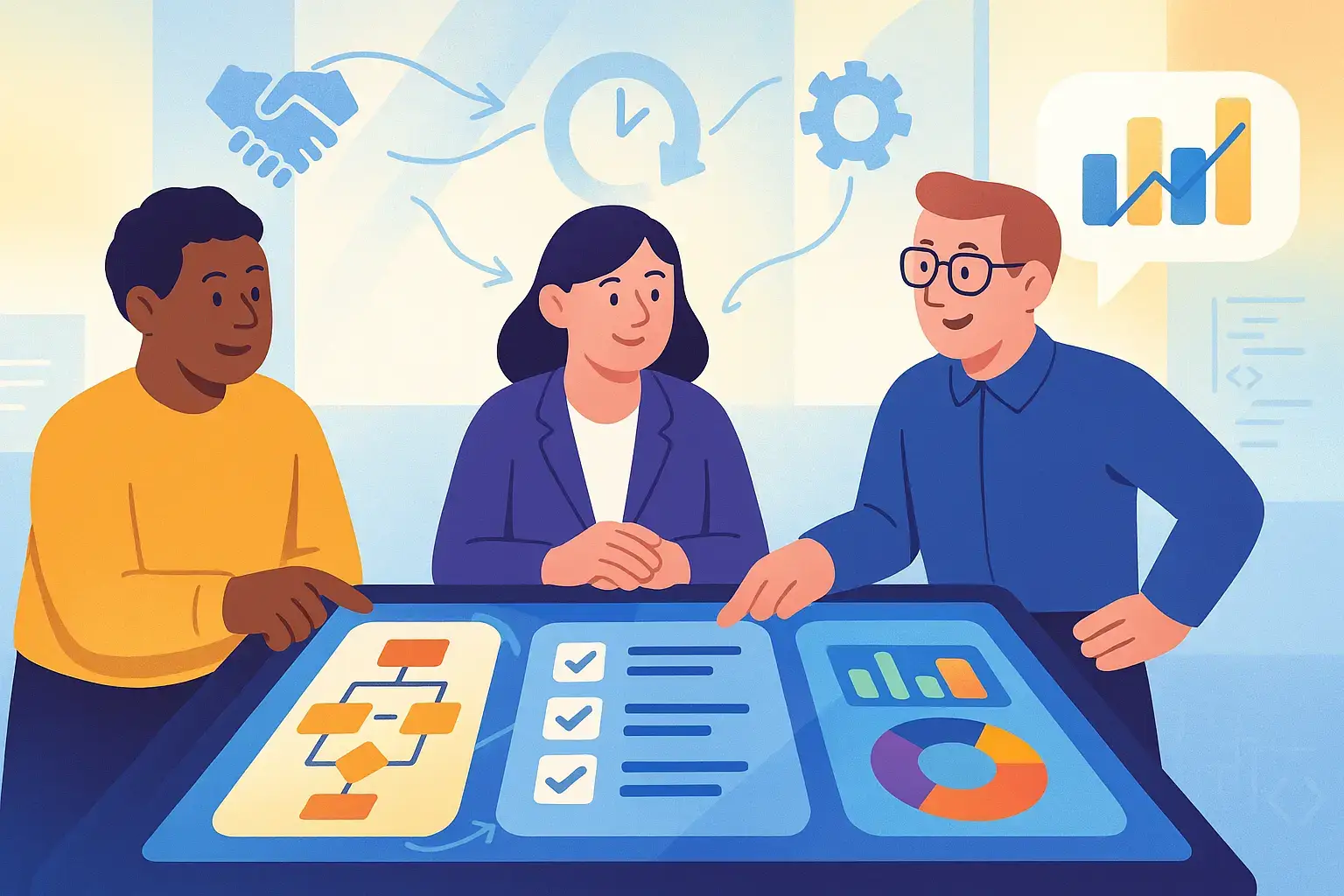
Enhancing QA and Business Team Collaboration in Automated UAT
Your product just shipped. Within hours, a high-severity defect surfaces. Business assumed QA had it covered. QA thought the business had signed off. This is a collaboration gap, not a testing failure. QA and business teams working together in automated UAT make releases feel confident instead of risky. When both sides partner on test scenarios, dashboards, and accountability, software quality improves, and the release cycle runs smoothly. This guide shows you how to make that collaboration work.
Traditional UAT approaches create collaboration gaps when business teams assume QA has coverage while QA thinks business has signed off, leading to critical defects reaching production.
Effective UAT requires shared ownership where QA and business teams jointly define acceptance criteria, critical scenarios, and what “good enough to ship” means.
Three Amigos sessions bring together product owners, developers, QA, and business experts to map examples that become acceptance criteria before any test code is written.
Business-friendly dashboards organized by capabilities rather than technical metrics help stakeholders understand test results and participate in triage decisions.
Shared tools like BDD frameworks allow business-readable scenarios to double as executable tests without requiring stakeholders to write code.
Still treating UAT as a last-minute manual checkpoint where business clicks through a few flows? The modern approach requires shared scenarios, dashboards, and accountability between QA and business teams to prevent costly production issues. Discover how to transform your UAT process 👇
The Importance of UAT in the Software Development Lifecycle
User Acceptance Testing is your final checkpoint before software reaches real users. It answers one question: Does this actually work the way people need it to? UAT validates that your application meets business requirements and user expectations. Not just technical specs. Without it, you’re shipping blind.
Traditionally, QA handled testing. Business teams showed up at the end to click through a few flows. That model breaks in Agile or DevOps environments where releases happen weekly. Business and testers team collaboration in UAT automation dissolves the old silos. QA engineers can’t define meaningful acceptance criteria without business context. Business stakeholders can’t sign off on quality without understanding what was tested.
When both sides participate early during story refinement, example mapping, and test design, you catch misalignments before they become production incidents. You get faster feedback loops in UAT, fewer surprises at go-live, and a release process where everyone speaks the same language. Learn more about manual vs automated acceptance testing approaches.
Speaking of collaboration between QA and business teams, this is where your test management system can make or break the UAT process. aqua cloud is specifically designed to bridge this collaboration gap with centralized test management that gives both technical and business stakeholders the visibility they need. With aqua’s shared dashboards and reporting capabilities, teams can track UAT progress in business-friendly formats, organized by capability rather than technical test IDs. The platform’s BDD support enables business stakeholders to validate scenarios in plain English before a single line of test code runs, ensuring alignment from the start. And now with aqua’s domain-trained AI Copilot, you can generate test cases directly from requirements in seconds, with the AI grounded in your project’s actual documentation for truly context-aware testing. This is an intelligent collaboration that saves up to 12 hours per week per QA professional.
Achieve seamless QA-business collaboration and 100% UAT coverage with aqua cloud
Goals that don’t line up create problems. QA might automate dozens of UI regression tests that technically “pass.” Business cares about one critical workflow that never got covered because nobody flagged it as high-risk. Or business pushes for a tight release deadline. QA scrambles to check boxes without validating the flows that drive revenue or compliance.
Alignment starts with shared objectives. Before anyone writes a test script, QA and business agree on what “good enough to ship” means. What are the must-have scenarios? Which business processes carry the highest risk if they break? What does success look like in real user outcomes? When both teams define these priorities together, clarity replaces guesswork.
Real-world example: A fintech company rolling out digital onboarding assumed QA would “handle testing.” QA automated happy-path scenarios: new account creation, document upload, basic validation. Business stakeholders cared most about compliance edge cases. KYC checks for users with non-standard IDs. Fraud detection triggers. Specific payment limit scenarios. Those never made it into the automated suite. Nobody told QA they were critical. A compliance defect slipped into production. Regulatory scrutiny followed. Customer complaints followed. The fix required establishing joint ownership of which scenarios mattered most.
Misalignment costs time, trust, and money. Alignment turns UAT from a checklist into a strategic conversation about risk and readiness.
Effective Communication and Collaboration Strategies Between Teams in UAT Automating
How do you make QA and business team collaboration in UAT automation work day-to-day? Structure, tools, and rituals that keep everyone on the same page.
In Agile/Scaled Agile, the 'cross-functional' term is for the team, not the members. Members are experts for their function like dev, QA, data, UI.
Start with Three Amigos sessions before each feature build. Bring product owner, developer, and QA together. Add a business analyst or domain expert. Map out examples. What happens when a customer does this? What if they do that instead? These become the acceptance criteria that QA automates. When business stakeholders see their scenarios written in plain language (BDD-style Given-When-Then), they can validate logic before test code runs. That early feedback loop prevents wasted effort and rework later.
Make Results Visible
Make UAT results visible in a way business can understand. Skip the raw test IDs and pass/fail grids. Build dashboards grouped by business capabilities: “Account Opening,” “Invoice Processing,” “Refund Workflow.” Each section shows status tied to processes business cares about. When a critical flow fails, both QA and business triage together. Is it a genuine regression? A data issue? An outdated rule? Joint triage meetings (even 15 minutes twice a week) keep failures from languishing in a backlog.
Pick the Right Tools
Shared requirements and test management platforms – Azure DevOps, Jira with Xray or Zephyr link user stories, acceptance criteria, and test scenarios in one place
BDD tools – Cucumber, SpecFlow, Behave let business-readable scenarios double as executable tests
Dashboards and reporting tools – Allure, ReportPortal, custom BI dashboards translate technical test results into business language
Chat channels – Slack, Teams dedicated to UAT where both sides post questions, flag blockers, and share insights in real time
Establish a Regular Rhythm
Hold a recurring “UAT sync” meeting. Short, focused, maybe 30 minutes. QA walks through what’s automated, what’s pending, and what’s failing. Business highlights any process changes, new edge cases, or upcoming high-risk features. Document action items. Who’s updating scenarios? Who’s reviewing coverage gaps? Who’s signing off on the next release? This simple rhythm prevents surprises and builds trust.
Train Business Stakeholders
Train business stakeholders on UAT basics. They don’t need to code. But they should understand what automated tests can realistically cover, why flakiness happens, and what it means when a scenario fails. A quick lunch-and-learn session or walkthrough of the automation framework demystifies the process. Business shifts from passive consumers of test reports into active collaborators who ask better questions and provide smarter feedback.
Conclusion
Strong QA and business team collaboration in automated UAT means joint accountability for quality and shared visibility into risk. When both sides align on objectives, communicate regularly through structured rituals, and use tools that speak a common language, UAT becomes continuous business validation. Automated suites run faster, catch more business-critical defects, and give stakeholders confidence to release more frequently. Fewer production incidents. Happier users. A release process where everyone knows what “ready” means. Start small. Pick one critical flow. Run a Three Amigos session. Automate it together. Share the results. Learn more about collaboration in QA planning. The conversation you start today shapes the quality you ship tomorrow.
If you’re serious about strengthening QA and business team collaboration in automated UAT, you need a platform that speaks both languages fluently. aqua cloud delivers exactly that as a unified test management system where QA and business stakeholders work together in real-time. With end-to-end traceability between requirements, test cases, and defects, both teams can instantly see what’s covered and what’s at risk. aqua’s visual mapping highlights gaps in UAT coverage, while customizable dashboards translate technical results into business outcomes everyone understands. The platform integrates seamlessly with Jira and other business tools, ensuring information flows freely between systems and teams. Most importantly, aqua’s domain-trained AI Copilot automates the tedious parts—generating test cases from requirements, creating test data, and ensuring comprehensive UAT coverage—all while learning from your specific project documentation for results that truly align with your business context. Stop the finger-crossing with releases and start building a shared understanding of quality across your entire organization.
Transform UAT from a checklist to a strategic advantage with aqua's AI-powered collaboration
How do you collaborate with developers and other team members during the testing process?
Collaboration with developers and team members starts with regular touchpoints during the entire development cycle. Hold Three Amigos sessions before each feature to align on acceptance criteria with product owners, developers, and QA. Use BDD-style Given-When-Then scenarios so everyone understands what’s being tested in plain language. Establish shared dashboards that show test results grouped by business capabilities, not technical test IDs. Hold short triage meetings when critical flows fail so both technical and business teams diagnose issues together. Use chat channels dedicated to testing where team members post questions, flag blockers, and share insights in real time. When you hire your first tester, establish these collaboration patterns from day one.
What strategies can improve communication between QA and business teams during automated UAT?
Improve communication by making UAT results visible in business language. Skip technical test reports. Build dashboards grouped by business processes like “Account Opening” or “Invoice Processing” that show status tied to what business cares about. Hold recurring UAT sync meetings (30 minutes, focused) where QA walks through what’s automated and what’s failing while business highlights process changes and high-risk features. Use shared requirements platforms like Azure DevOps or Jira that link user stories, acceptance criteria, and test scenarios in one place. Train business stakeholders on UAT basics so they understand what automated tests cover, why flakiness happens, and what failures mean. They don’t need to code, but understanding the process turns them from passive consumers into active collaborators. Platforms like aqua cloud help bridge this gap by providing unified visibility across manual and automated testing.
How can business team feedback be effectively integrated into automated UAT scripts?
Integrate business feedback by involving them early in test design, not after automation is complete. Use BDD tools like Cucumber or SpecFlow where business-readable scenarios become executable tests. Business stakeholders can read and validate the specs before QA writes any code. When business highlights new edge cases or process changes during UAT sync meetings, document them as action items for QA to update scenarios. Maintain a living test repository that evolves with business requirements. When critical flows fail in automated suites, triage together to determine if it’s a genuine regression, data issue, or outdated business rule. This joint ownership ensures automated scripts reflect current business reality, not outdated assumptions. The feedback you gather shapes the test coverage that matters most.
Home » Test Automation » Enhancing QA and Business Team Collaboration in Automated UAT
Do you love testing as we do?
Join our community of enthusiastic experts! Get new posts from the aqua blog directly in your inbox. QA trends, community discussion overviews, insightful tips — you’ll love it!
We're committed to your privacy. Aqua uses the information you provide to us to contact you about our relevant content, products, and services. You may unsubscribe from these communications at any time. For more information, check out our Privacy policy.
X
🤖 Exciting new updates to aqua AI Assistant are now available! 🎉
We use cookies and third-party services that store or retrieve information on the end device of our visitors. This data is processed and used to optimize our website and continuously improve it. We require your consent fro the storage, retrieval, and processing of this data. You can revoke your consent at any time by clicking on a link in the bottom section of our website.
For more information, please see our Privacy Policy.
This website uses cookies to improve your experience while you navigate through the website. Out of these, the cookies that are categorized as necessary are stored on your browser as they are essential for the working of basic functionalities of the website. We also use third-party cookies that help us analyze and understand how you use this website. These cookies will be stored in your browser only with your consent. You also have the option to opt-out of these cookies. But opting out of some of these cookies may affect your browsing experience.
Necessary cookies are absolutely essential for the website to function properly. These cookies ensure basic functionalities and security features of the website, anonymously.
Cookie
Duration
Description
cookielawinfo-checkbox-analytics
11 months
This cookie is set by GDPR Cookie Consent plugin. The cookie is used to store the user consent for the cookies in the category "Analytics".
cookielawinfo-checkbox-functional
11 months
The cookie is set by GDPR cookie consent to record the user consent for the cookies in the category "Functional".
cookielawinfo-checkbox-necessary
11 months
This cookie is set by GDPR Cookie Consent plugin. The cookies is used to store the user consent for the cookies in the category "Necessary".
cookielawinfo-checkbox-others
11 months
This cookie is set by GDPR Cookie Consent plugin. The cookie is used to store the user consent for the cookies in the category "Other.
cookielawinfo-checkbox-performance
11 months
This cookie is set by GDPR Cookie Consent plugin. The cookie is used to store the user consent for the cookies in the category "Performance".
viewed_cookie_policy
11 months
The cookie is set by the GDPR Cookie Consent plugin and is used to store whether or not user has consented to the use of cookies. It does not store any personal data.
Functional cookies help to perform certain functionalities like sharing the content of the website on social media platforms, collect feedbacks, and other third-party features.
Performance cookies are used to understand and analyze the key performance indexes of the website which helps in delivering a better user experience for the visitors.
Analytical cookies are used to understand how visitors interact with the website. These cookies help provide information on metrics the number of visitors, bounce rate, traffic source, etc.
Advertisement cookies are used to provide visitors with relevant ads and marketing campaigns. These cookies track visitors across websites and collect information to provide customized ads.






 Bankingaqua ALM helps banks increase testing productivity by over 50%