Random name generator
Testing with AI Test Automation
14 min read
December 5, 2025

Fake Name Generator: Stop Using Real Names in Your Test Data

Testing with real names? That's a GDPR violation waiting to happen. This tool generates realistic test identities instantly. Full names, usernames, emails. All fake, all formatted correctly, all compliant. No real people. No privacy risks. Just clean test data when you need it.

photo
photo
Martin Koch
Nurlan Suleymanov
Random Name Generator - Free Test Data Tool | aqua

šŸ‘¤ Random Name Generator

5

šŸ’” Use Case: Perfect for generating test data for QA automation, user registration testing, database seeding, and API testing scenarios.

Generated Names

You’re using this name generator to speed up test prep. That’s smart. But imagine if your entire QA workflow had that same level of automation built in. aqua’s AI Copilot generates test cases, creates realistic test data, and writes documentation in seconds, while you focus on actual testing. No context switching between tools. No manual grunt work eating your sprint time. Thousands of QA teams already run their testing through aqua because it turns hours of setup into minutes of AI-assisted work.

Master test data generation with 98% faster AI

Try aqua cloud for free

Why You Need a Name Generator

Let’s say you’re building test cases for a new registration form. You need 50 user profiles. Maybe 100. You could type them manually, but that eats hours you don’t have. You could pull from production, but that’s how you end up in a compliance meeting explaining GDPR violations. Real names carry real risk. One leaked dataset and you’re looking at fines that start at €20 million. A name generator gives you realistic test data without the legal baggage. The names look authentic, pass validation, and keep regulators away from your door.

Where to Use Random Names

Your QA environment is staging databases, demo environments, training sandboxes, and everything in between. Each one needs data that behaves like production without being production.

When you’re validating a signup flow, the form expects proper name formats. When you’re stress-testing a CRM import, you need hundreds of records that won’t bomb on character limits. Demo environments have to look real for client presentations. Training setups need safe data for junior QAs to break without consequences. Random names work anywhere you need synthetic data that acts like the real thing. Which is basically every test environment you touch.

Benefits of Using a Name Generator

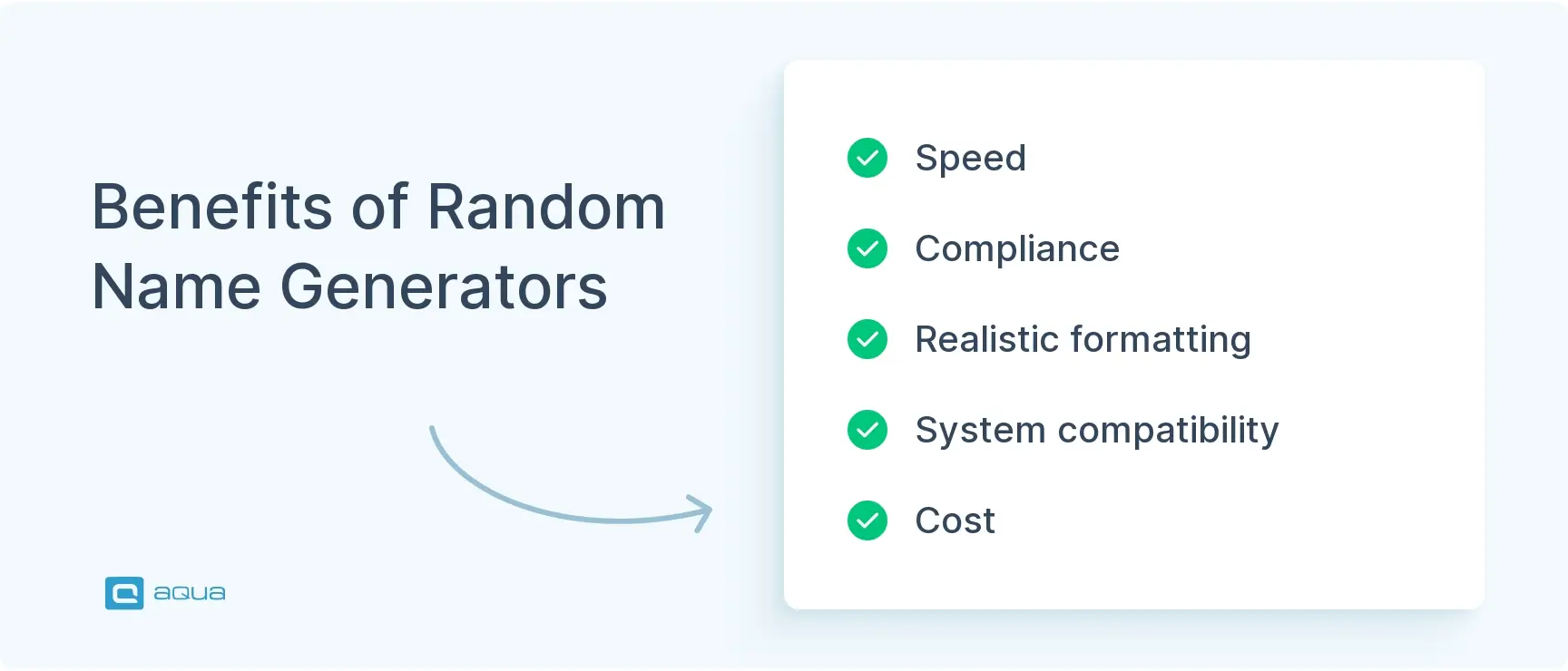
Manual test data is a time killer. You type one name. Then another. Then you realize you need 200 more, and you’ve wasted an afternoon. Here’s what a generator actually gives you:

  • Speed: Bulk generation in seconds. No more manual entry, no more copy-paste nightmares.
  • Compliance: Zero GDPR exposure. No real people means no privacy violations, no legal meetings, no fines.
  • Realistic formatting: Names follow actual conventions. Capitalization works. Character limits hold. Cultural patterns match.
  • System compatibility: Your validation logic accepts them. Import scripts don’t break. UI handles edge cases without choking.
  • Cost: Free. Unlimited. Generate as much test data as you need without burning budget or API credits.

benefits-of-random-name-generators

This way, you get data that behaves like production entries without any of the liability that comes with real customer information.

Conclusion

Random name generators solve one problem well. You need test data that looks real but isn’t. Use them in staging, QA pipelines, and demo builds. Keep them out of production and away from anything customer-facing. Synthetic data is for testing. Real data is for real users. Mix them up, and you’re asking for trouble. Keep the line clear, and your test environments stay clean.

On this page:
See more
Speed up your releases x2 with aqua
Start for free
step

FOUND THIS HELPFUL? Share it with your QA community

FAQ

Can I use generated names for production data?

No. Generated names are for testing only. They’re synthetic placeholders, not verified user data. Use them in staging, dev, and QA environments. Keep them out of production databases and customer-facing systems.

Are these names from real people?

No. The generator creates random combinations following naming conventions. They look realistic because they follow actual patterns, but they’re not pulled from any real database or list of actual people.

How many names can I generate at once?

Most generators let you create anywhere from 1 to 100+ names per batch. Need more? Just run it again. There’s no limit on how many times you can generate new sets.