Penetration Testing Report Templates: How to Create Effective Pen Test Report
You've finished your penetration test and uncovered problems that need attention. Now you need a report that turns those findings into clear guidance for developers, managers, and anyone else who relies on your work. A good penetration testing report template helps you organise results, highlight risks, and show what needs to happen next. This article explains what makes a strong template, the types you can use, and the components that help your report land with both technical teams and executives.
Penetration testing reports serve as bridges between security assessment and remediation, translating complex vulnerabilities into actionable language for different audiences.
Organizations with clear, actionable reports see 60-70% faster remediation of critical vulnerabilities compared to those with generic recommendations.
Each vulnerability finding should follow a consistent format with title, severity rating, description, proof of concept, reproduction steps, and specific remediation guidance.
The executive summary should be written last, focus on business impact rather than technical jargon, and be limited to 1-2 pages addressing overall security posture and critical findings.
Effective reports tailor language to multiple stakeholders, with executive content up front, technical details in the body, and highly technical evidence in appendices.
A compelling penetration test report can be the difference between a vulnerability getting patched before exploitation or becoming the entry point for a breach that costs an average of $4 million. Discover how to structure your findings so they actually drive security improvements 👇
What is a Penetration Testing Report?
A penetration testing report explains what you tested, what you found, and what needs to happen next. It turns a technical assessment into clear information that teams can act on. The goal is simple: show the real risks in a way developers, managers, and compliance staff can understand.
A strong report begins with an executive summary that gives leadership the big picture. The main section outlines each finding with its severity, proof of concept, and steps to reproduce. You also prioritise risks so teams know what to fix first. Remediation guidance closes the loop by telling people how to address the issues.
Good reports support compliance checks and include evidence that shows your results are real. They explain how each weakness affects the business and what could happen if an attacker exploited it. When written well, a penetration testing report becomes a practical guide for improving security rather than a simple list of problems.
The Importance of a Solid Penetration Testing Report
A strong penetration testing report helps teams fix problems quickly. Clear findings lead to faster remediation, better decisions, and fewer security gaps left open. When reports are vague or too technical, issues stall and risks linger.
Good reporting also builds credibility. It shows you can explain why a vulnerability matters and how it affects the business. Clients trust testers who present findings in a way that supports planning, budgeting, and long-term security work.
Compliance adds another reason to get this right. Auditors need proof that controls were tested and weaknesses were addressed. A consistent penetration test report template example makes audit preparation easier by linking findings to the required standards.
Clear reports create measurable improvements:
Faster fixes when teams receive specific, prioritized guidance
Better resource use when leadership understands real business impact
Stronger risk visibility through accessible executive summaries
Smoother audits when tests map cleanly to compliance controls
Easier tracking across repeated assessments
The stakes are high. Many breaches start with known issues that never reached the right people or never sounded urgent enough. A solid pen testing report template helps prevent that by turning your findings into a plan the organisation can act on.
Creating effective penetration testing reports requires more than just technical expertise. It demands a robust management system to document, organize, and track your findings efficiently. While you’re crafting those detailed vulnerability reports, consider how much time you spend on documentation rather than actual testing. That’s where aqua cloud comes in; a comprehensive test management platform that streamlines your security testing documentation process. With aqua, you can create structured templates for your penetration test reports, attach screenshots and evidence, and maintain consistent formatting across all your deliverables. The platform’s rich documentation capabilities let you organize findings by severity, track remediation progress, and generate professional reports that speak to both technical teams and executives. And now, with aqua’s domain-trained AI Copilot, you can generate detailed test case documentation in seconds, with results that are grounded in your specific project context. It makes your security reports more precise and relevant than what generic AI tools can produce.
Transform your penetration testing documentation from time-consuming paperwork to streamlined, actionable reports with aqua cloud
A good penetration testing report template saves time and keeps your reports consistent. It gives you a structure that works for different clients and testing scopes.
Cyver Core offers a full platform built for pentest reporting. It pulls results from tools like Burp Suite, Nessus, and Nmap. It also provides reusable finding libraries and compliance mapping for standards such as ISO 27001. Many teams use it to cut reporting time and keep documentation uniform across projects.
Terra Security focuses on combining automated checks with human review. Its reports emphasise business impact, which helps non-technical stakeholders understand why a finding matters. It also produces documentation that aligns with common compliance requirements.
PentestReports.com provides free templates in Word, LaTeX, and Markdown. These follow familiar industry structures and work well for testers who want a simple document-based workflow instead of a full platform.
PentestPad supplies professional Word templates used by many consultants. They include CVSS scoring, remediation sections, and clean formatting that looks polished without extra work.
Faraday takes a broader approach. It aggregates results from dozens of security tools and helps teams track remediation. It suits organisations that run frequent assessments and want reporting tied to ongoing vulnerability management.
If you prefer code-based workflows, several GitHub repositories offer structured templates maintained by the community. LaTeX and Markdown options work well for teams who want version control and full customisation.
Choosing the right penetration testing report template depends on your workload and your delivery style. Large teams benefit from automation platforms. Independent testers often prefer templates they can tailor for each client. The best choice is the one that helps you produce clear, repeatable reports without slowing you down.
Types of Penetration Testing Reports
Penetration testing uses different approaches, and your report should match the method you followed. Clear context helps readers understand what you tested, what you didn’t, and how to interpret the results.
Black box testing reports apply when you start with no internal knowledge. These reports explain how you mapped the attack surface, what external weaknesses you found, and how an outsider could gain access. They highlight exposed services, information leakage, and public-facing risks. Black box reports help companies see how they appear to external attackers.
Gray box testing reports reflect assessments where you had limited information, such as user credentials or partial documentation. These reports show what an attacker could do with minimal access. They often uncover privilege escalation routes, weak internal controls, and lateral movement paths that external testing wouldn’t reveal.
White box testing reports document assessments performed with full insight into the environment. You review code, architecture, and configuration details. These reports expose design flaws, insecure coding patterns, and configuration issues that might not surface from the outside. They provide precise remediation guidance tied to code files and system components.
Web application testing reports focus on web apps and APIs. They evaluate authentication, session handling, access control, input validation, and other web-specific concerns. Findings often map to familiar standards like the OWASP Top 10. These reports give development teams clear, actionable evidence at the request and parameter level.
Network infrastructure reports assess routers, switches, firewalls, and internal segmentation. They show where unnecessary services are exposed, where segmentation breaks down, and how attackers might pivot through the environment. They often include simple diagrams that illustrate attack paths and configuration gaps.
Mobile application reports address iOS and Android security. They cover insecure storage, API interactions, code protections, and platform-specific risks. These reports combine static reviews of the app package with dynamic testing on real devices.
Each format serves a different purpose. Your pen test report template should make the testing approach clear so your company understands coverage, limitations, and what additional assessments might help.
How to Write an Effective Penetration Testing Report
Writing a strong penetration testing report starts during the assessment. Good reporting depends on clear notes, consistent structure, and language that matches your audience.
Take structured notes while you test. Record each step when you find a weakness. Capture commands, screenshots, timestamps, and the systems you touched. Write down anything unusual. You don’t want to recreate steps later or lose evidence. Simple tools work as long as you use them consistently.
Write the executive summary after you finish the technical work. You need the full picture before you explain it to leadership. Keep the summary short and focused on business impact. Highlight the most important findings and what they mean for the organisation. Use plain language that helps decision-makers understand risk at a glance.
Use a consistent format for vulnerabilities. Give each finding a clear title, severity rating, description, affected systems, risk explanation, evidence, reproduction steps, and remediation advice. Readers move faster when everything follows the same pattern. A small template for individual findings keeps this easy.
Match your content to the reader. Executives want a clear overview. Developers need precise details. Security teams want validation and context. Place the executive summary first, technical findings in the main body, and detailed evidence in appendices. Use headings that make navigation simple.
Prioritise by real risk, not just numbers. A medium-severity issue on a public system can be more dangerous than a critical internal flaw. Consider exposure, likelihood, and impact. Your priority list should reflect how attackers approach targets, not only what scoring systems say.
Give practical remediation guidance. Avoid broad advice that developers can’t act on. Point to specific files, settings, or code patterns. Show safer alternatives when possible. Remediation clarity decides whether a fix happens quickly or drags on.
Strong reporting comes from discipline. Clear notes, predictable structure, tailored language, and actionable guidance turn your findings into improvements that matter.
Key Components of a Penetration Testing Report
Every pen testing report template relies on a few core sections. These give readers the full picture and make your work easy to follow.
Introduction and Scope sets the stage. Explain what you tested, why you tested it, and what you didn’t touch. List the systems, apps, IP ranges, and environments that were in scope. Call out exclusions clearly so no one assumes coverage you didn’t provide. Add the dates of testing and any limitations you faced, such as access issues or system downtime. This gives readers the right expectations from the start.
Methodology shows how you approached the assessment. Mention recognised frameworks you followed, such as NIST, PTES, or OWASP guides. Break the work into simple phases: reconnaissance, scanning, exploitation, and post-exploitation. List the tools you used and explain any specific scenarios you tested. This helps technical teams understand your process and repeat steps if needed.
Executive Summary gives leadership a quick view of risk. Keep it short and focused. Highlight the overall security posture, the number of findings, the severity breakdown, and the issues that need urgent attention. Explain each top issue in business terms. Add a few strategic recommendations that help improve security beyond individual fixes.
Technical Findings form the main body. Keep every finding in a consistent format. Include a clear title, severity, description, affected systems, evidence, reproduction steps, and business impact. Attach screenshots or command output that proves the issue. Map findings to compliance standards where it makes sense. Consistency lets teams digest information quickly and act on it.
Remediation and Recommendations tell teams exactly what to fix. Give concrete steps and point to specific files, code sections, or configuration settings. Add examples that show safer alternatives. Estimate the effort required so teams can plan realistically. Prioritise fixes based on real risk and help the company understand what should happen first.
Appendices store detailed material that would clutter the main report. Add tool output, command logs, diagrams, and code snippets here. Link to the appendices from your findings so readers can find extra context when they need it.
These components give each audience what they need. Executives get clarity, technical teams get direction, and compliance teams get evidence. When your structure is clear and your writing stays focused, the report becomes a practical guide for improving security rather than a document people skim and forget.
Best Practices for Creating Standout Reports
Strong reporting takes more than technical accuracy. Clear writing, structure, and presentation turn a pen testing report template into a deliverable people rely on.
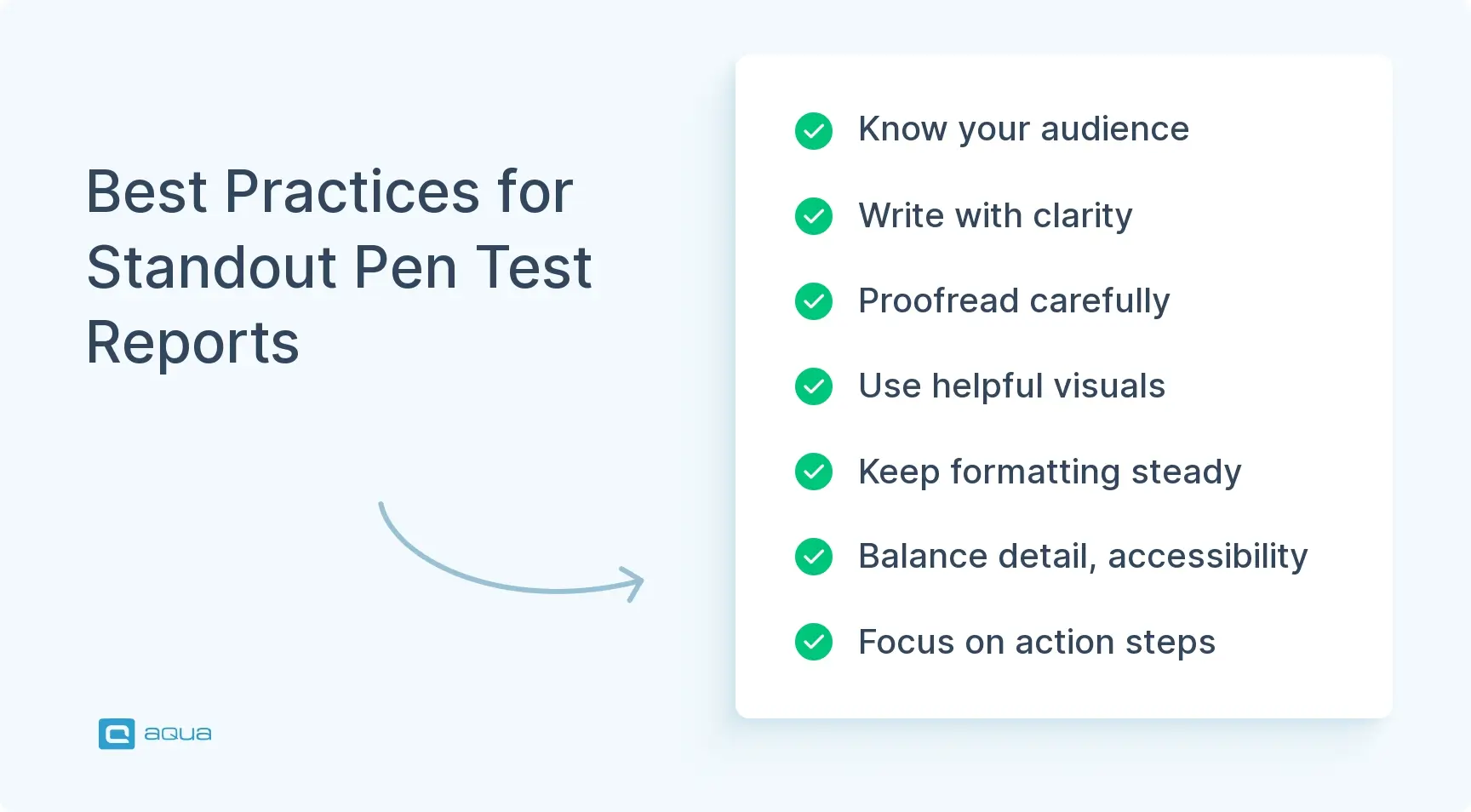
Know your audience. Developers want direct fixes. Security teams want validation. Executives want a simple view of risk. Auditors want evidence and framework mappings. Shape your penetration testing report template so each group can find what matters to them without digging through noise. A focused executive summary, structured findings, and clean compliance notes make the report useful for every reader.
Write with clarity. Keep sentences short and direct. Explain technical terms the first time you use them. Use headings to break up sections and keep paragraphs tight. Your pen test report template should support this style by giving you space for definitions, summaries, and clear transitions.
Proofread with care. Errors hurt trust. Read the report aloud to catch awkward sentences. Use tools, but rely on human review. A polished report reflects well on you and helps teams take the findings seriously.
Use visuals when they help. Simple tables, diagrams, and screenshots make information easier to absorb. A severity chart or network diagram can do more than a long paragraph. Add visuals only when they clarify the point.
Keep formatting consistent. Use clean fonts, steady spacing, and a simple structure. A professional penetration test report template example helps you avoid starting from scratch and ensures the layout stays uniform across projects.
Balance detail and accessibility. Keep essential information in the main body and move deep technical material to appendices. Readers should understand the narrative without jumping around the report, but evidence should always be available.
Focus on action. Every finding should explain what needs to be fixed, who should fix it, and how to verify the result. Avoid vague recommendations. Actionable steps increase the chances that teams will address issues quickly.
Track versions and progress. Keep a clear history of changes. Note when you updated the report and why. When you run assessments regularly, link each new report to the previous one so your client can see improvements over time.
These habits become easier with repetition. A reliable penetration testing report template supports them, and over time, your reports become clearer, faster to produce, and more effective at driving security improvements.
Conclusion
Penetration testing report templates help turn technical findings into clear steps that improve security. A good template supports detailed analysis, simple summaries for leadership, and remediation guidance teams can act on right away. Pick a penetration testing report template that fits your workflow and keep your structure consistent so readers can move through it easily. Track how well your reports drive fixes and refine your pen test report template as your needs evolve. For extra guidance, explore these penetration testing workflow tips, review common penetration test vulnerabilities, and check out these helpful bug reporting templates from aqua cloud.
As you implement the best practices outlined in this guide, consider how much more efficient your penetration testing process could be with the right tools supporting your documentation and reporting efforts. aqua cloud offers a comprehensive solution that addresses the challenges of creating professional, actionable penetration test reports. With aqua, you can centralize all your security testing artifacts in a single repository, maintain consistent templates that satisfy both technical and executive audiences, and track vulnerabilities from discovery through remediation. The platform’s customizable dashboards provide real-time visibility into your security posture, while powerful reporting tools help you generate compliance-mapped documentation that satisfies auditors and stakeholders alike. What sets aqua apart is its domain-trained AI Copilot, which understands your project’s specific context and can help generate detailed test documentation, vulnerability descriptions, and remediation steps, all grounded in your actual security requirements and testing history. This AI has an intelligence that learns from and adapts to your security testing environment, making your reports more accurate, consistent, and actionable.
Cut documentation time by up to 70% while delivering more professional, actionable penetration test reports with aqua cloud
A penetration testing report explains what you tested, what you found, and what actions the organisation should take next. It follows a clear penetration testing report template so readers can see the scope, methodology, findings, and remediation steps without confusion. Good reports link technical issues to business impact, use evidence to show why each vulnerability matters, and help teams prioritise fixes. For extra context on common weaknesses you may document, review these common penetration test vulnerabilities.
What are the steps of pen testing?
Penetration testing report template example usually follows a simple series of steps: planning, reconnaissance, scanning, exploitation, post-exploitation, and reporting. A consistent pen testing report template helps you capture results from each stage and turn them into clear guidance. Reporting is often supported by workflow practices that make testing more efficient, such as detailed note-taking and structured evidence collection. You can improve this process by reviewing these penetration testing workflow tips. Teams often pair their reports with structured documentation, and these
Home » 'How to' guides » Penetration Testing Report Templates: How to Create Effective Pen Test Report
Do you love testing as we do?
Join our community of enthusiastic experts! Get new posts from the aqua blog directly in your inbox. QA trends, community discussion overviews, insightful tips — you’ll love it!
We're committed to your privacy. Aqua uses the information you provide to us to contact you about our relevant content, products, and services. You may unsubscribe from these communications at any time. For more information, check out our Privacy policy.
X
🤖 Exciting new updates to aqua AI Assistant are now available! 🎉
We use cookies and third-party services that store or retrieve information on the end device of our visitors. This data is processed and used to optimize our website and continuously improve it. We require your consent fro the storage, retrieval, and processing of this data. You can revoke your consent at any time by clicking on a link in the bottom section of our website.
For more information, please see our Privacy Policy.
This website uses cookies to improve your experience while you navigate through the website. Out of these, the cookies that are categorized as necessary are stored on your browser as they are essential for the working of basic functionalities of the website. We also use third-party cookies that help us analyze and understand how you use this website. These cookies will be stored in your browser only with your consent. You also have the option to opt-out of these cookies. But opting out of some of these cookies may affect your browsing experience.
Necessary cookies are absolutely essential for the website to function properly. These cookies ensure basic functionalities and security features of the website, anonymously.
Cookie
Duration
Description
cookielawinfo-checkbox-analytics
11 months
This cookie is set by GDPR Cookie Consent plugin. The cookie is used to store the user consent for the cookies in the category "Analytics".
cookielawinfo-checkbox-functional
11 months
The cookie is set by GDPR cookie consent to record the user consent for the cookies in the category "Functional".
cookielawinfo-checkbox-necessary
11 months
This cookie is set by GDPR Cookie Consent plugin. The cookies is used to store the user consent for the cookies in the category "Necessary".
cookielawinfo-checkbox-others
11 months
This cookie is set by GDPR Cookie Consent plugin. The cookie is used to store the user consent for the cookies in the category "Other.
cookielawinfo-checkbox-performance
11 months
This cookie is set by GDPR Cookie Consent plugin. The cookie is used to store the user consent for the cookies in the category "Performance".
viewed_cookie_policy
11 months
The cookie is set by the GDPR Cookie Consent plugin and is used to store whether or not user has consented to the use of cookies. It does not store any personal data.
Functional cookies help to perform certain functionalities like sharing the content of the website on social media platforms, collect feedbacks, and other third-party features.
Performance cookies are used to understand and analyze the key performance indexes of the website which helps in delivering a better user experience for the visitors.
Analytical cookies are used to understand how visitors interact with the website. These cookies help provide information on metrics the number of visitors, bounce rate, traffic source, etc.
Advertisement cookies are used to provide visitors with relevant ads and marketing campaigns. These cookies track visitors across websites and collect information to provide customized ads.