Every test scenario needs a database state. And setting it up manually, writing INSERT statements row by row, is the kind of work that slows QA teams down before testing even starts. Paste your data into the SQL insert generator below, define your table structure, and get clean, ready-to-run SQL in seconds.
Generating INSERT statements is one piece of the puzzle. The harder part is managing what happens after the data is in: tracking test cases, triaging bugs, and keeping your team aligned across sprints without losing context. That is what aqua cloud is built for. It brings AI-powered QA management and bug triage into one place, connects directly with Jira, and gives your team a single source of truth from test planning to defect resolution. No more switching between five tools to understand where a release stands.
Manage test cases, triage bugs, and track releases with a 100% AI-powered platform
An INSERT statement does one thing: it adds records to a database table. The structure is always the same. You name the table, list the columns, and provide the values.
INSERT INTO users (username, email, created_at)
VALUES ('jdoe', 'jdoe@example.com', '2024-01-15');
That works fine for a single record. But if you are setting up test data for a new feature and need 50 users, writing 50 separate statements is not the move. Multi-row inserts bundle everything into one operation:
Multi-row inserts are also faster. The database processes them as a single transaction instead of three separate ones.
One thing worth knowing: different databases speak slightly different SQL. MySQL handles certain shortcuts that PostgreSQL will reject. SQL Server integration has its own quirks, like square brackets around identifiers in specific cases. A good SQL insert script generator tool accounts for this automatically, so you are not debugging dialect issues after the fact.
Features of a Good SQL Insert Generator
A lot of SQL insert generators out there are just glorified text formatters. Here is what separates a genuinely useful one from the rest.
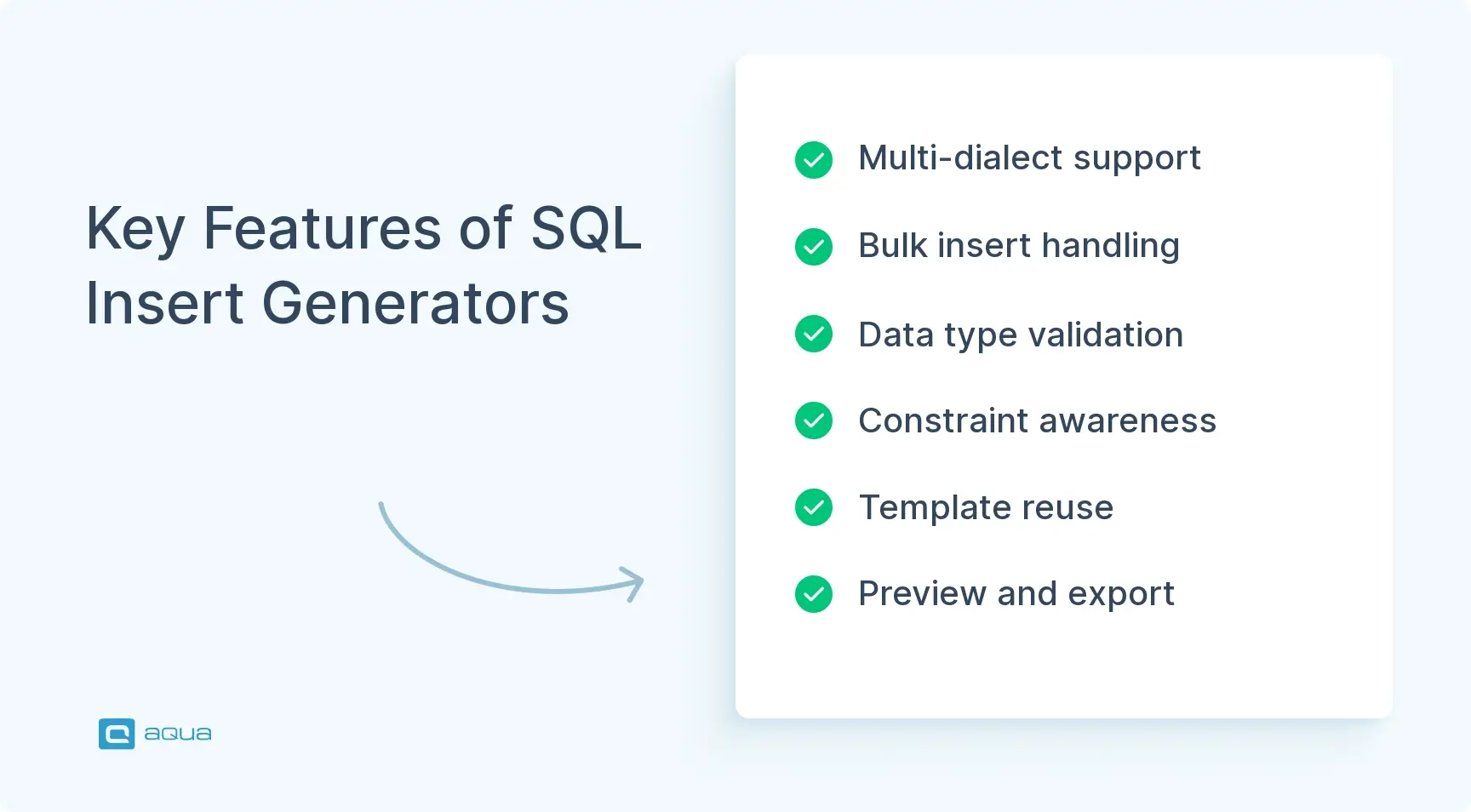
Dialect support. Syntax that works in MySQL will not always work in PostgreSQL or Oracle. A solid insert SQL generator lets you pick your target database and adjusts quoting, data types, and syntax automatically.
Bulk insert handling. When you are populating a test environment or migrating data, you need a tool that handles hundreds or thousands of rows without choking. It should format them into efficient multi-row inserts, not a wall of single-row statements.
Input validation. Smart generators check your data against column types before generating anything. They flag mismatches, handle apostrophes in names by escaping them properly, and stop you from running broken scripts in the first place.
Constraint awareness. A quality insert into SQL generator lets you define NOT NULL columns, unique values, and defaults, then enforces those rules during generation. Some tools even generate randomized SQL insert data, realistic names, emails, timestamps, so you are not inventing “test123@test.com” for the hundredth time. Good test data management strategies lean on this heavily.
Template support. You should be able to save table structures and reuse them across projects. Rebuilding the same user registration inserts every sprint is exactly the kind of work these tools should eliminate.
Preview and export options. See your output before you commit to it. Then copy to clipboard, download as a .sql file, or execute directly against a connected database.
How to Use an SQL Insert Generator
Using an online SQL insert generator takes a few minutes once you know the flow.
Start by selecting your target database, MySQL, PostgreSQL, SQL Server, whatever you are working with. This sets the dialect rules for everything the SQL generator produces.
Then define your table structure. Add your columns, set data types, and apply any constraints. Most insert SQL generators let you do this manually or by importing a CSV header row or an existing CREATE TABLE statement.
Once the structure is ready, load your data. Paste it from a spreadsheet, type values into form fields, or upload a CSV directly. If you are working from a spreadsheet, copy it with headers intact. Many generators map those headers to column names automatically.
Before you export anything, preview the output. Check that dates are formatted correctly, NULL values are not wrapped in quotes, and special characters are escaped. Most SQL insert query generators let you fix individual values on the spot if something looks off.
Here is a practical example. You are setting up test users for a login feature. You paste a CSV with username, email, and role columns. The SQL insert data generator maps those to your users table, applies PostgreSQL syntax, and outputs this:
No manual quoting. No syntax errors. Two minutes instead of twenty.
Best Practices for Using SQL Insert Generators
The tool only works as well as the data you feed it. A few habits make a real difference.
Clean your source data first. Check for duplicates, empty required fields, and type mismatches before running anything through the SQL insert script generator tool. Generators format SQL, they do not fix bad data. Pair this with solid automated data validation upstream and you will catch most issues before they reach the generator.
Respect unique constraints. If your table has unique columns like email addresses or usernames, verify your input data respects those rules before generating. Some generators will warn you about duplicates. Many will not.
Wrap bulk inserts in transactions. Use BEGIN TRANSACTION and COMMIT around your generated statements, especially in test environments. If something fails halfway through, the whole operation rolls back cleanly instead of leaving you with half-loaded data and broken state.
Batch large inserts. For thousands of rows, break them into chunks of 500 to 1000 records. Most databases handle medium-sized batches more efficiently than one massive statement. Some SQL insert statement generators let you set batch size automatically.
Be careful with online tools and sensitive data. Never paste production data into an SQL insert generator online unless you are certain it does not log your input. For anything sensitive, use a local tool or something like aqua cloud that keeps your data within your own environment.
Version control your generated SQL. Treat it like any other code. Store it with your migration scripts, add comments explaining what each insert supports, and your teammates will thank you when they are debugging why test_user_47 has admin privileges three months from now.
Conclusion
Manual SQL insert writing is one of those tasks that sounds simple until you are staring at row 300 of 500 and your eyes are glazing over. An SQL insert generator online cuts that work down to minutes, reduces syntax errors, and produces cleaner output than hand-written alternatives. Use it for seeding test databases, migrating data, or spinning up demo environments. Combine it with solid database testing techniques and you have a setup that is faster, more reliable, and a lot less painful.
As we’ve seen, SQL insert generators can significantly streamline database testing tasks, but they’re just one piece of a much larger testing puzzle. What if you could take your entire testing process to the next level? aqua cloud integrates AI-powered test data generation with comprehensive test management in a single unified platform. Beyond just SQL inserts, aqua’s domain-trained AI Copilot can automatically create realistic test data based on your specific requirements, generate complete test cases from specifications, and help you achieve 100% test coverage without manual effort. The AI is powered by RAG technology that grounds every suggestion in your project’s actual documentation, making the output dramatically more relevant and accurate. When integrated with your existing tools through aqua’s deep Jira and CI/CD connections, you create a seamless workflow from requirements to test execution with proper test data at every stage. Why piece together separate solutions when you can have an integrated platform? It’s your chance to address the entire testing lifecycle, including the test data challenges highlighted in this article.
Save up to 97% of your testing time with AI that understands your project's unique context
What is an SQL Insert Generator and how does it help developers and testers?
An SQL insert generator takes raw data and converts it into properly formatted INSERT statements ready to run against your database. For QA teams, it eliminates the manual work of writing test data setup scripts by hand, which means less time on boilerplate and more time on actual testing.
Which SQL databases are supported (MySQL, PostgreSQL, SQL Server, etc.)?
The insert generator SQL supports the most widely used databases including MySQL, PostgreSQL, and SQL Server. Each one gets the correct syntax, quoting conventions, and data type handling for that specific dialect, so the output runs without modification.
Can I customize the generated INSERT statements (data types, rows, constraints)?
Yes. You can define column names, set data types, apply constraints like NOT NULL or unique values, and control how many rows get generated. The output adjusts to match your exact table structure.
Is the generated SQL safe to use in development and testing environments?
Yes. The tool escapes special characters, validates input against column types, and produces clean, properly formatted SQL. That said, always review generated statements before running them, and avoid pasting sensitive production data into any online tool.
Does this tool generate realistic test data or purely random values?
It supports both. You can paste your own data directly, or use the built-in SQL insert data generator to produce realistic values like names, emails, and timestamps, so your test scenarios reflect actual user behavior rather than obvious placeholder data.
Home » 'How to' guides » aqua’s SQL Insert Generator: Free Tool for Software Developers & Testers
Do you love testing as we do?
Join our community of enthusiastic experts! Get new posts from the aqua blog directly in your inbox. QA trends, community discussion overviews, insightful tips — you’ll love it!
We're committed to your privacy. Aqua uses the information you provide to us to contact you about our relevant content, products, and services. You may unsubscribe from these communications at any time. For more information, check out our Privacy policy.
X
🤖 Exciting new updates to aqua AI Assistant are now available! 🎉
We use cookies and third-party services that store or retrieve information on the end device of our visitors. This data is processed and used to optimize our website and continuously improve it. We require your consent fro the storage, retrieval, and processing of this data. You can revoke your consent at any time by clicking on a link in the bottom section of our website.
For more information, please see our Privacy Policy.
This website uses cookies to improve your experience while you navigate through the website. Out of these, the cookies that are categorized as necessary are stored on your browser as they are essential for the working of basic functionalities of the website. We also use third-party cookies that help us analyze and understand how you use this website. These cookies will be stored in your browser only with your consent. You also have the option to opt-out of these cookies. But opting out of some of these cookies may affect your browsing experience.
Necessary cookies are absolutely essential for the website to function properly. These cookies ensure basic functionalities and security features of the website, anonymously.
Cookie
Duration
Description
cookielawinfo-checkbox-analytics
11 months
This cookie is set by GDPR Cookie Consent plugin. The cookie is used to store the user consent for the cookies in the category "Analytics".
cookielawinfo-checkbox-functional
11 months
The cookie is set by GDPR cookie consent to record the user consent for the cookies in the category "Functional".
cookielawinfo-checkbox-necessary
11 months
This cookie is set by GDPR Cookie Consent plugin. The cookies is used to store the user consent for the cookies in the category "Necessary".
cookielawinfo-checkbox-others
11 months
This cookie is set by GDPR Cookie Consent plugin. The cookie is used to store the user consent for the cookies in the category "Other.
cookielawinfo-checkbox-performance
11 months
This cookie is set by GDPR Cookie Consent plugin. The cookie is used to store the user consent for the cookies in the category "Performance".
viewed_cookie_policy
11 months
The cookie is set by the GDPR Cookie Consent plugin and is used to store whether or not user has consented to the use of cookies. It does not store any personal data.
Functional cookies help to perform certain functionalities like sharing the content of the website on social media platforms, collect feedbacks, and other third-party features.
Performance cookies are used to understand and analyze the key performance indexes of the website which helps in delivering a better user experience for the visitors.
Analytical cookies are used to understand how visitors interact with the website. These cookies help provide information on metrics the number of visitors, bounce rate, traffic source, etc.
Advertisement cookies are used to provide visitors with relevant ads and marketing campaigns. These cookies track visitors across websites and collect information to provide customized ads.






 Bankingaqua ALM helps banks increase testing productivity by over 50%