Random UUID Generator for Software Testers & Developers
You have probably seen them before. Those strings of letters and numbers that look like keyboard chaos but follow a very specific pattern. Maybe you have copy-pasted them from Stack Overflow at 2 AM without thinking too hard about what they actually do. Here is what they do: they make sure your data never steps on its own toes. For QA teams running parallel test suites, seeding databases, or building distributed systems, a UUID generator is one of those tools you reach for constantly without ever having to think about why it works.
Youve seen how UUIDs can keep your testing data organized and prevent collisions, but managing all that test data manually is still time-consuming. This is where aqua clouds test management platform transforms your workflow. With aqua, you can not only organize test cases that utilize UUIDs but also automatically generate comprehensive test data using its domain-trained AI Copilot. Instead of copying random UUIDs from online generators one by one, aqua helps you create entire data sets in seconds, perfectly tailored to your projects requirements. The AI understands your specific testing context, generating relevant test data that works across your distributed systems and test environments. Best of all, aqua maintains complete traceability between your requirements, test cases, and all generated data, giving you confidence that your test coverage is truly comprehensive.
Generate complete test data sets in seconds instead of hours with aqua's AI Copilot
When you hit the generate button, the system pulls 122 bits of random data from your computers entropy pool. Think of it as flipping a coin 122 times and recording every result.
Those bits get formatted into a 128-bit structure split into five groups separated by hyphens, like this:
f47ac10b-58cc-4372-a567-0e02b2c3d479
That eight-four-four-four-twelve pattern is not purely random throughout. Four bits mark the UUID version, two bits indicate the variant, and the remaining 122 bits are pure randomness. That structure is what makes Version 4 UUIDs so reliable. You could generate a billion per second for a hundred years and have better odds of winning the lottery twice than producing a duplicate.
Types of UUIDs and Which One You Actually Need
Not every UUID version solves the same problem. Here is a quick breakdown:
Version 1 uses your MAC address and a timestamp. Traceable, but it leaks information about when and where it was created.
Version 2 is the decaf of UUIDs. Technically exists, almost never used.
Version 3 hashes a namespace with MD5. Deterministic, meaning the same input always produces the same UUID. Useful for reproducibility, not for uniqueness.
Version 4 uses 122 random bits and nothing else. No network card, no server clock, no external dependencies. Just entropy.
Version 5 is Version 3s more secure cousin, using SHA-1 instead of MD5.
For most software testing strategies and QA workflows, Version 4 is the right call. It works the same across every environment, which matters when you are constantly spinning up test environments that need to behave identically.
Why QA Teams and Testers Rely on UUID Generators
This is where UUIDs go from a neat concept to something you use every day.
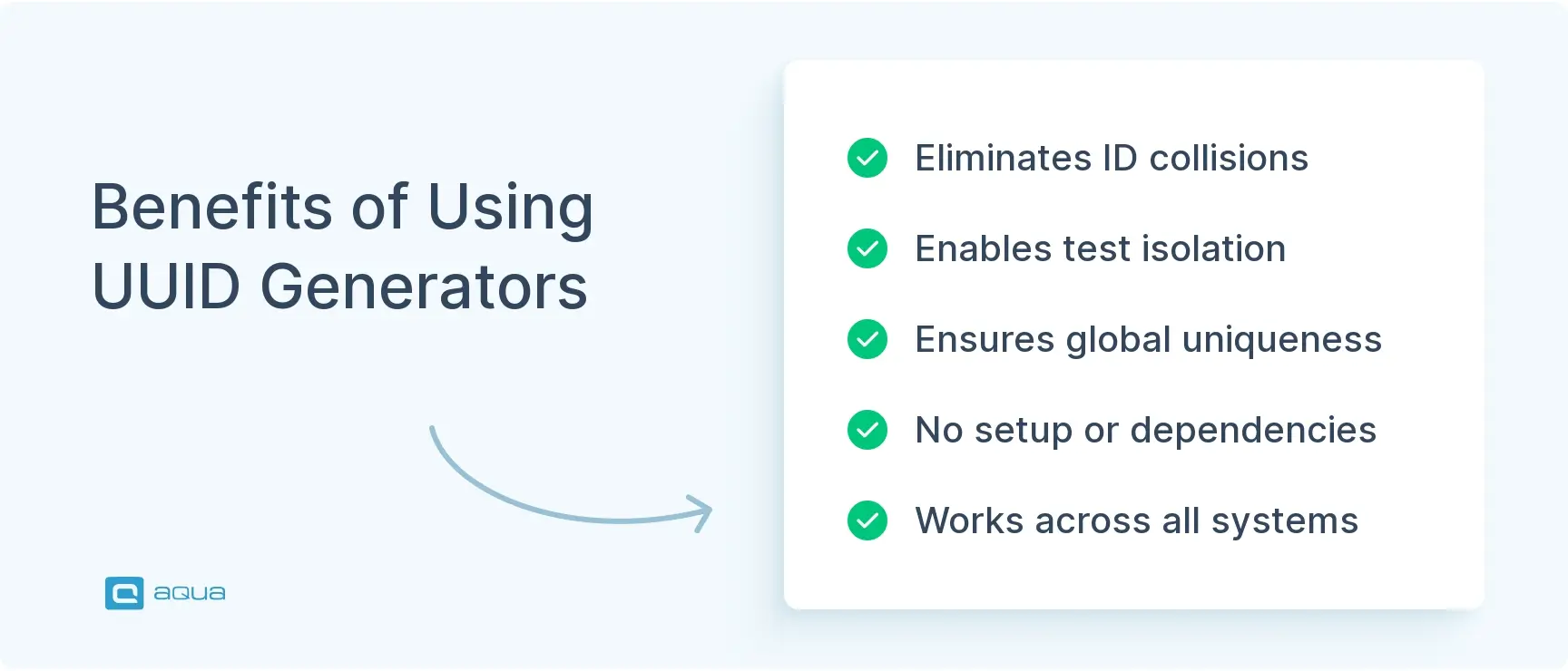
Test isolation. Running parallel test suites across multiple environments means every suite is creating users, sessions, orders, and transactions at the same time. Without UUIDs, you need complex naming logic to prevent ID collisions. With them, you generate a UUID for each entity and move on. Your checkout flow test does not accidentally grab the user record from your login test.
Test data generation. Seeding a database with thousands of realistic records is straightforward when every primary key comes from a random UUID generator. Need to simulate a million-user load test? Loop through the generator. The randomness also prevents patterns in your test data, which matters more than most teams realize.
API testing and tracing. Drop a UUID into your request headers as a correlation ID and you can trace an entire request flow through your logs. When you are hunting down why 0.1% of requests fail intermittently, having a unique identifier that persists across services is the difference between a two-hour debugging session and a two-day one. This is one of the most underused applications testing techniques for API-heavy systems.
Distributed systems. When multiple services generate records independently, sequential IDs create bottlenecks and single points of failure. UUID random generation lets each service create identifiers without coordination. Horizontal scaling becomes trivial when your primary keys are already globally unique.
How to Use This UUID Generator
No setup, no dependencies, no version conflicts. Here is the workflow:
Choose your UUID version. For most testing scenarios, Version 4 is the right pick.
Set how many UUIDs you need. Bulk generation saves time when you are populating test databases.
Click generate.
Copy the output and paste it wherever you need it, a test script variable, a database seed file, an API request body.
If version matters for your use case, verify the character in the third group. A “4” confirms Version 4.
The UUID does not care whether it came from a sophisticated enterprise tool or a minimal HTML page. It just needs to be random and properly formatted. That is the point. The test automation tools you already use can handle the rest once you have a valid identifier to work with.
What Makes a Good Sample UUID
A valid sample UUID looks like this:
550e8400-e29b-41d4-a716-446655440000
Five groups. Thirty-two hexadecimal characters. Four hyphens. The third group starts with 4 for Version 4. That format is all you need to validate one at a glance.
If you are writing test assertions or validation logic, the regex pattern is:
Useful for confirming your application is generating valid UUIDs rather than just trusting it blindly, which is exactly the kind of thing software quality testing should catch.
While UUIDs solve the problem of unique identification in your test environments, theyre just one piece of the larger testing puzzle. aqua cloud brings together all aspects of your test management in a single, powerful platform. From generating test data with AI to organizing test cases and tracking execution across different environments, aqua provides the structure and intelligence your testing process needs. Its domain-trained AI Copilot learns from your entire project documentation to create context-aware test data that truly reflects your applications needs. With aqua, youll streamline your testing workflow through seamless integrations with Jira, Jenkins, and other development tools, while maintaining perfect traceability between requirements and tests. Stop managing disconnected test data manually and start leveraging an intelligent platform that understands the relationships between all your testing assets.
Cut your test data preparation time by 97% while achieving 100% coverage with aqua cloud
A UUID generator is one of those tools that solves a real problem quietly. Test data stays isolated, distributed services stay coordinated, and your debugging sessions get shorter because every request has a traceable identifier attached to it. Generate a UUID, paste it in, move on. That is the whole workflow, and that simplicity is exactly why UUIDs have become the default for anyone who has dealt with ID collisions even once.
What is a UUID and why is it used in software testing?
A UUID, or Universally Unique Identifier, is a 128-bit identifier formatted as a 32-character hexadecimal string split into five groups, like f47ac10b-58cc-4372-a567-0e02b2c3d479. In software testing, UUIDs solve the ID collision problem. When you are running parallel test suites, seeding databases, or generating mock records across multiple environments, you need identifiers that will never overlap. A random UUID generator gives you that guarantee without any coordination between services or test runs. It is also what keeps test data isolated from production data, which is one of the fundamentals of reliable software quality testing.
What is the difference between UUID and GUID?
Practically speaking, there is no difference. GUID stands for Globally Unique Identifier and is Microsofts term for the same concept. Both follow the same 128-bit structure, the same hyphenated format, and the same uniqueness guarantees. You will see GUID used in .NET, SQL Server, and Windows ecosystems, while UUID is the term used in RFC 4122 and most open standards. If you generate a random-uuid and drop it into a system expecting a GUID, it will work fine. They are the same thing with different names depending on who is doing the naming.
Which UUID version should I use for test data generation?
Version 4 in almost every case. It uses 122 random bits with no dependency on MAC addresses, timestamps, or external state, which means it behaves identically across every test environment you spin up. When you generate UUID random values this way, you get identifiers that are globally unique without any coordination between services. That consistency matters when your software testing strategies involve multiple environments running the same suites simultaneously. The only time to consider another version is when you need reproducibility, where Version 5 makes sense because the same input always produces the same UUID. But for seeding databases, generating mock entities, or creating correlation IDs for API testing, Version 4 is the right pick.
Enhancement of the aqua product is Martin’s main responsibility and biggest mission. His expertise covers ITIL Process Consulting, Change Management, Quality Assurance, Quality Management, and Requirements Management. Martin works in QA services for regulated industries for more than 18 years being an irreplaceable leader at…
Nurlan, a QA Coordinator & Quality Standards Officer, takes pride in orchestrating seamless QA operations. His expertise in coordinating QA-focused projects and integrating QA solutions has consistently yielded top-tier client satisfaction. Aside from a full-time QA coordinator, Nurlan's role involves creating compelling content that educates…
Home » 'How to' guides » Random UUID Generator for Software Testers & Developers
Do you love testing as we do?
Join our community of enthusiastic experts! Get new posts from the aqua blog directly in your inbox. QA trends, community discussion overviews, insightful tips — you’ll love it!
We're committed to your privacy. Aqua uses the information you provide to us to contact you about our relevant content, products, and services. You may unsubscribe from these communications at any time. For more information, check out our Privacy policy.
X
🤖 Exciting new updates to aqua Intelligence are now available! 🎉