Test Cases for Flipkart Website & App: QA Checklist
Test cases for flipkart flows have to cover millions of shoppers on different devices, payment methods, and networks. This guide gives you flipkart test cases for the website and the app, grouped by feature, with the expected result for each. If you're writing the test cases for flipkart website journeys, start with search, cart, and checkout, then work outward.
Flipkart testing covers every step of the buying journey, from registration to returns, plus the payment gateways and logistics partners behind it.
Registration and login cases need valid and invalid credentials, OTP expiry, duplicate accounts, and lockout rules.
Checkout and payment cases cover address validation, promo codes, cards, UPI, wallets, COD, 3D Secure, and failed transactions that must not create an order.
Negative cases check injection input, price and quantity tampering, session misuse, and boundary values in every field.
Non-functional cases set measurable targets, such as page load time, API response time, and concurrent users during a sale.
Most teams test the happy path and stop. At Flipkart’s scale, the failure paths reach real users first. Here are the test cases to cover them.
Flipkart’s real rules aren’t public. Treat the values below, such as lockout counts and time limits, as examples, and replace them with the rules from your requirements or the behavior you observe.
What Is Flipkart Testing?
Flipkart testing checks that every part of an online store works for the people using it. That includes registration, search, cart, checkout, payment, order tracking, and returns. It also includes the services behind them: payment gateways, logistics partners, and notification systems.
The goal is to find bugs, slowdowns, and security gaps before users do. Functional cases ask whether a feature works. Non-functional cases ask whether it’s fast, safe, and usable on every device. Big sale days add load that normal testing never sees, and regional language support adds input your forms must handle.
How to write test cases for flipkart comes down to a repeatable format. Give each case an ID, a single objective, preconditions, exact test data, numbered steps, and an expected result you can verify. “Search for ‘wireless earbuds’ and confirm the first page shows relevant earbuds within 2 seconds” works. “Test search” doesn’t. Keep cases atomic and link each one to a requirement. A platform like aqua cloud keeps cases, requirements, and defects together so nothing gets lost when the site changes.
Types of Testing for Flipkart
A store this size needs several kinds of testing, each answering a different question:
Functional testing – Search, filters, cart, and checkout work as designed.
Usability testing – Users can finish tasks without confusion.
Performance testing – Pages and APIs stay fast under load, including flash sales.
Security testing – Authentication, payments, and stored data resist attacks like SQL injection and XSS.
Compatibility testing – The site works across browsers, operating systems, and screen sizes.
Regression testing – New releases don’t break features that worked before.
Integration testing – Payment, inventory, logistics, and notification systems exchange data correctly.
API testing – Back-end services return correct data and handle errors.
Localization testing – Language, currency, and location-based features display correctly.
Automate the repetitive checks, like login and cart totals. Keep exploratory and usability work manual.
When you’re dealing with hundreds of test cases across registration, checkout, payment flows, and order tracking, maintaining a structured, scalable test suite becomes a challenge in itself.
This is where aqua cloud transforms how QA teams handle complex e-commerce testing. With aqua Intelligence, powered by RAG-grounded, domain-trained intelligence, you can generate comprehensive test cases for any Flipkart-like scenario in seconds (from login validation to payment gateway failures), using your own project documentation as context. That means every generated test case speaks your project’s language, reflecting your specific business logic, terminology, and workflows. aqua’s reusable test components let you build core flows like “user login” or “apply coupon” once and nest them across hundreds of test cases, so when checkout logic changes, you update it once and the change propagates everywhere. With centralized test management, full requirement traceability, and seamless integrations with Jira, Azure DevOps, and your CI/CD pipeline, you’re building an intelligent QA ecosystem that scales with your platform.
Generate 100% coverage for complex e-commerce flows in seconds with AI that knows your project
The home page sets the first impression. These test cases for flipkart home page elements check that the main entry points work.
Banner carousel – Banners rotate at the set interval and each one opens the right page.
Category tiles – Tiles for categories like Mobiles and Fashion open the correct listing.
Deals section – Prices and countdown timers match the actual offers.
Personalized recommendations – A logged-in user sees suggestions based on browsing history.
Search bar – It stays visible and usable when the page scrolls.
Recently viewed – Previously opened products appear with a quick add-to-cart option.
Footer links – Every footer link opens the right page.
Load time – The page becomes usable within your target, such as 3 seconds on 4G.
Registration Test Cases
Registration leads to wishlists and order history, so check the valid paths and the failures.
Registration with email – A valid email and strong password create the account and send a verification link.
Registration with mobile number – A valid 10-digit number triggers an OTP and completes sign-up after entry.
Duplicate email – An existing email is rejected with a clear message.
Weak password – “12345” is rejected and the requirements are shown.
OTP expiry – An expired OTP is rejected and the user can request a new one.
Special characters in names – Names like O’Brien and Anne-Marie are accepted.
Social sign-up – Google or Facebook sign-up maps name and email to the new account.
Terms and conditions – Submission is blocked until the box is checked.
Verification link expiry – An old link fails and offers a resend.
Login Test Cases
Login runs on every session, so it needs solid coverage. These test cases for flipkart login page behavior check both access and errors, and they double as your core flipkart login test cases.
Valid login – Correct credentials open the account.
Wrong password – The message says “Invalid credentials” without naming the wrong field.
Lockout – After a set number of failed attempts, the account locks for a defined time.
Email case – User@example.com and user@example.com reach the same account.
Remember me – The session persists across browser restarts until logout.
Password visibility toggle – The eye icon shows and hides the typed password.
Forgot password – The reset link arrives, works once, and then expires.
Session timeout – An idle session expires and redirects to login.
OTP login – A mobile OTP logs the user in with no password.
Multi-device login – Web and app sessions work at the same time.
Product Search Test Cases
Search is how users find products, so accuracy and speed both matter.
Exact name – “iPhone 14 Pro” returns matching listings first.
Recovery – Backups restore within your recovery time objective.
Rate limiting – External integrations are capped to prevent abuse.
Memory – The app doesn’t leak memory over 24 hours of use.
Run load tests with JMeter or Gatling, and keep watching production with application performance monitoring so a slowdown shows up before customers report it.
Flipkart Mobile App Test Cases
The app adds device features and interruptions that the site doesn’t have.
Installation – The app installs on supported Android and iOS versions.
First launch – New users see a short onboarding tour.
Notification permission – The app asks and respects the answer.
Offline mode – Cached items like recent products and saved addresses show without a connection.
Pull to refresh – Swiping down refreshes the page with a loading indicator.
Deep links – A product link in an email or SMS opens that product in the app.
State after interruption – A call or message doesn’t lose the user’s screen or input.
Camera – Barcode scan and image search ask for permission and work.
Biometric login – Fingerprint or Face ID signs the user in on supported devices.
Updates – Outdated versions prompt for an update, and critical patches can force one.
Battery – Active use doesn’t drain an unreasonable amount per hour.
Storage – Clearing the cache frees space without losing important data.
Rotation – Turning the device keeps the page state and typed input.
Run these on low-end, mid-range, and flagship devices, and across several OS versions.
Best Practices for Flipkart Testing
Start with the flows that earn revenue: search, checkout, and payment. Give them the most coverage and the most frequent runs.
Automate the repetitive regression checks, like login, cart totals, and navigation. Reliable application testing software can run these on every build and leave your testers free for exploratory work on new features.
Use production-like data in staging. Long product names, special characters in addresses, and large carts expose bugs that clean sample data hides.
Learn the business rules from developers: how discounts stack, which coupons exclude which items, and how inventory is reserved. Then write cases that check those rules directly.
Test on real devices or a cloud device lab, not just emulators, and run performance checks continuously, not only before a sale. Add vulnerability scanning to your CI/CD pipeline and keep a shared case repository current.
Finally, listen to support. Their top complaints are your next test cases.
You’ve seen what comprehensive Flipkart testing demands: covering registration quirks, cart calculations, payment gateway integrations, tracking accuracy, and return flows across web and mobile platforms. Managing this scope manually means maintaining thousands of test cases, constantly updating them as features evolve, and risking coverage gaps when timelines tighten.
aqua cloud eliminates these bottlenecks by combining intelligent test management with project-specific AI automation. Generate entire test suites from requirements in seconds using aqua’s domain-trained aqua Intelligence with RAG capabilities; it grounds every suggestion in your actual documentation, ensuring test cases that match your product’s unique logic, not generic templates. Organize test scenarios using reusable, nested components so updates to core flows like checkout or payment instantly propagate across all related test cases. Track coverage visually with requirement-to-test-case traceability, ensuring nothing slips through during flash sales or feature launches. With integrations across Jira, Azure DevOps, Jenkins, and automation frameworks like Ranorex and JMeter, aqua fits seamlessly into your existing workflow. Whether you’re validating new payment methods, testing personalized recommendations, or ensuring security compliance, aqua gives you centralized control, AI-powered speed, and confidence in complete coverage.
Save 97% of testing time and achieve complete e-commerce test coverage with aqua's intelligent platform
Good test cases for flipkart cover the whole journey: the happy paths, the failures, and the load that comes with a big sale. Start with registration, login, search, cart, checkout, and payment. Then add the negative, non-functional, and mobile cases that catch the rest.
Keep every case specific, link it to a requirement, and update the suite as features change. Automate what’s stable, explore what’s new, and use production feedback to decide what to test next.
What are the most important test cases for Flipkart?
Start with login, search, add to cart, checkout, and payment, since these paths earn the revenue. Add order placement, tracking, and returns. Then cover negative cases like invalid cards and out-of-stock items. If you need a short list for a first release, test the full purchase flow end to end and the failure of each step in it.
How do you write test cases for an e-commerce website like Flipkart?
Break the site into features, then write cases for each one. Every case needs an ID, one objective, preconditions, exact test data, numbered steps, and a measurable expected result. Write positive and negative versions, link each case to a requirement, and keep them atomic so a failure points straight to the cause.
What scenarios should be tested in the Flipkart checkout process?
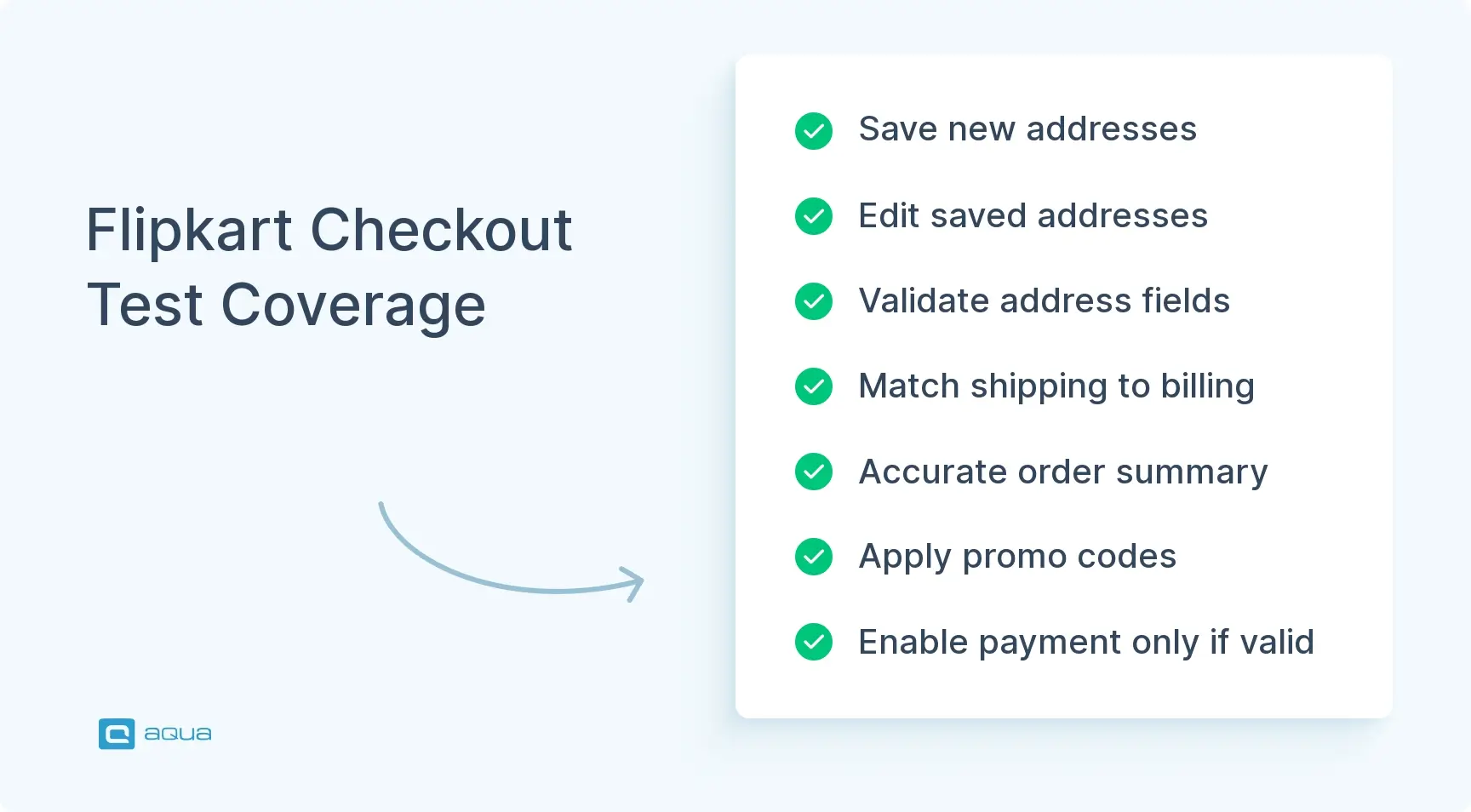
Test adding and selecting addresses, address validation, billing address options, and delivery date estimates. Check the order summary, promo code handling, and gift options. Then test what happens when stock runs out mid-checkout, when the session expires, and when the user edits the cart from the checkout page.
How do you test Flipkart payment functionality?
Test each method separately: card with 3D Secure, UPI, net banking, wallets, EMI, and cash on delivery. Check validation errors for bad card data and the amount charged against the order total. Then test failures: a declined payment, a timeout, and a closed browser mid-payment must all leave no order and no lost money.
What are the negative test cases for Flipkart?
They include SQL injection and script input in search and review fields, quantities above stock, expired cards, and invalid coupons. Also test skipping the payment step, reusing another device’s session, and uploading disallowed file types. Add boundary values like very long addresses and empty required fields. Each one should fail with a clear message and no side effects.
Nurlan, a QA Coordinator & Quality Standards Officer, takes pride in orchestrating seamless QA operations. His expertise in coordinating QA-focused projects and integrating QA solutions has consistently yielded top-tier client satisfaction. Aside from a full-time QA coordinator, Nurlan's role involves creating compelling content that educates…
Stefan is an entrepreneur who deeply believes in technology. With his company, andagon Group, he’s been empowering businesses around the world to build better software through their quality assurance services and products since 2001. Stefan has cultivated a knack for tailoring aqua to seamlessly integrate…
Home » 'How to' guides » Test Cases for Flipkart Website & App: QA Checklist
Do you love testing as we do?
Join our community of enthusiastic experts! Get new posts from the aqua blog directly in your inbox. QA trends, community discussion overviews, insightful tips — you’ll love it!
We're committed to your privacy. Aqua uses the information you provide to us to contact you about our relevant content, products, and services. You may unsubscribe from these communications at any time. For more information, check out our Privacy policy.
X
🤖 Exciting new updates to aqua Intelligence are now available! 🎉