Credit card test cases cover everything between a customer typing in a card number and the money landing in your account. This guide gives you examples for validation, transactions, security, gateways, mobile, and edge cases, plus a checklist to run before release.
Credit card test cases check that payments go through when they should and fail cleanly when they shouldn’t. They cover validation, transactions, security, and gateway behavior.
Card rules differ by network. Visa and Mastercard use 16 digits and a 3-digit CVV, while American Express uses 15 digits and a 4-digit CVV.
Test the whole transaction lifecycle, not only the charge. Authorization, capture, void, and refund each need their own cases.
Security cases confirm that full card numbers are masked, CVVs are never stored, and every payment page runs over HTTPS.
Use only the test cards your gateway publishes, and only in a sandbox. Never test with real card numbers.
One missed edge case in checkout can cost you sales on your busiest day. Here are the cases to run before you ship.
What Is Credit Card Testing?
Credit card testing checks that your system accepts, rejects, and records card payments correctly. It covers the validation rules on the form, the messages users see, the conversation with the payment gateway, and the protection of card data. PCI DSS compliance belongs here too, since that standard sets the rules for how card data can be stored and displayed.
Good cases catch two kinds of problems. Some are obvious, like a form that accepts a 15-digit Visa number. Others only show up in odd conditions, like two payment requests hitting your server at once and charging a customer twice. Missing either kind costs you in lost revenue, chargebacks, and exposed card data.
How to Write Credit Card Test Cases
Start by mapping the payment flow from the moment a user enters a card to the confirmation email. List every decision point and every outside dependency, such as the gateway, the fraud service, and 3D Secure. Test cases for credit card flows should follow that map step by step.
Then group your cases by area: card number, expiry date, CVV, transactions, security, and gateway. Write a positive and a negative case for each group. Add cases for input that looks valid but still shouldn’t pass, like a number that passes the Luhn check but belongs to a network you don’t accept.
Be specific. “Test invalid card number” is too loose. Write “Enter a 15-digit Visa number. Expect the error ‘Card number must be 16 digits.'” Every case should carry an ID, an objective, preconditions, test data, numbered steps, and an expected result you can check.
Keep cases easy to find later. Name them consistently, group them by feature, and link each one to a requirement. If a case exists because of a production bug, link it to that ticket in your bug tracking tool so the next tester knows why it’s there. A platform like aqua cloud keeps cases, requirements, and defects connected in one place.
Test cases for credit card application forms, where someone applies for a new card, need a few extra checks:
Age limit – An applicant under 18 should be rejected with a clear message.
Required fields – Income, employment, and identity fields should block submission when empty.
Identity number format – A malformed ID number should be rejected. Use made-up test data only, never real identities.
Duplicate applications – A second application with the same details should be flagged.
Credit check consent – The form shouldn’t submit until the consent box is ticked.
Decision status – The applicant sees an approved, declined, or pending status, and their data stays encrypted in transit.
Writing and maintaining hundreds of credit card test cases manually is exactly the kind of repetitive, time-consuming work that drains your QA team’s energy. But it doesn’t have to be that way.
aqua cloud transforms this process by letting you generate comprehensive test cases directly from your payment requirements in seconds. Powered by aqua’s domain-trained AI (aqua Intelligence) with RAG grounding, the platform learns from your project’s own documentation, understanding your specific payment flows, security protocols, and business rules. This means every generated test case speaks your project’s language and covers the nuances that matter to your payment system. Whether you’re testing card validation logic, transaction flows, or fraud detection scenarios, aqua delivers test cases that are immediately usable, automatically linked to requirements for full traceability, and remarkably accurate. You’ll save approximately 12.8 hours per tester per week while ensuring nothing slips through the cracks.
Generate payment test cases that understand your project, not just card numbers
Card number validation keeps bad data out of your system before it reaches the gateway. These credit card number test cases cover format, length, and the Luhn checksum. Use 4242 4242 4242 4242, a standard gateway test number, as your valid card.
Valid card number – Enter 4242424242424242. The system accepts it with no errors.
Luhn failure – Enter 4242424242424241. It’s 16 digits but fails the checksum, so the system rejects it with a clear message.
Incomplete number – Enter 12 digits. The system asks the user to finish the number.
Spaces in the number – Enter 4242 4242 4242 4242. The system accepts it or strips the spaces before validating.
Hyphens or other characters – Enter 4242-4242-4242-4242. The system cleans it up or shows a clear error.
Letters in the number – Enter 4242424242X24242. The field flags it right away.
Pasted number – Paste a number with a trailing space. The system trims it instead of failing.
Credit Card Expiration Date Test Cases
Expiration checks stop expired cards before they waste a gateway call. They also catch bad date formats.
Future date – Enter a date several years out. Payment proceeds.
Current month – Enter this month and year. The system accepts it, since a card stays valid through the last day of its expiry month.
Last month – The system rejects it with “Card expired.”
Years in the past – Enter 03/2020. The system rejects it immediately.
Invalid month – Enter 13 or 00. The system catches the format error before payment.
Two-digit year – Enter “30” and confirm the system reads it as 2030, consistent with your interface.
Auto-formatting – Type 1230. The field turns it into 12/30 without breaking validation.
Missing date – Submit with the field empty. The system requires it.
CVV and CVC Test Cases
The CVV proves the person has the physical card, so your form has to enforce it correctly.
3-digit CVV – Enter 123 for a Visa, Mastercard, or Discover card. The system accepts it.
4-digit CVV – Enter 1234 for an American Express card. The system accepts it.
Wrong length for the network – Enter 4 digits on a Visa or 3 on an Amex. Validation flags it.
Missing CVV – Submit with the field empty. The system requires it.
Letters or special characters – Enter “ABC” or “1#3”. The system rejects them or strips them.
Wrong CVV on a valid card – Use a valid card with an incorrect CVV. The gateway declines it and your system shows a clear error.
CVV masking – The field hides the digits as the user types, and the value never appears in URLs.
Positive Credit Card Test Cases
Positive cases confirm the happy path works. These credit card payment test cases are your baseline, and they should pass before you touch anything harder.
Complete successful transaction – Pay with a valid test card, correct expiry, and correct CVV. The payment completes and the user sees a success message.
Receipt – A receipt or confirmation number appears after payment.
Confirmation email – The email arrives with the correct amount and transaction details.
Database record – The transaction is stored with the right amount, timestamp, and status.
Several card networks – Pay with Visa, Mastercard, Amex, and Discover test cards. Each one completes.
International card – Pay with a card issued outside your home market. It’s accepted.
Recurring payment setup – For subscriptions, the first payment creates the recurring schedule with the right interval.
These cases double as your smoke suite. Run them first on every build, and automate them as part of your wider application testing setup.
Negative Credit Card Test Cases
Negative test cases for credit card payments check how your system behaves when something goes wrong. Good error handling decides whether a customer tries again or leaves.
Invalid card number – Submit a number that fails Luhn. The system shows a friendly error and makes no gateway call.
Declined transaction – Use your gateway’s decline test card. The user sees an actionable message and can try another card.
Insufficient funds – Use the insufficient funds test card. The message explains the problem without blaming the user.
Lost or stolen card – Use the test card flagged as lost or stolen. The transaction is blocked and the message stays neutral.
Wrong billing address – Submit a mismatched address. The address verification check (AVS) triggers the response you configured.
Gateway timeout – Simulate a timeout. The user learns whether the payment succeeded or failed, and no transaction stays in limbo.
Duplicate submission – Submit the same payment twice in quick succession. Only one charge goes through.
Card type mismatch – Enter a Visa number while Mastercard is selected, if your form has that option. Validation catches it.
Credit Card Payment Transaction Test Cases
Transaction cases check the full payment lifecycle. These test cases for credit card payment processing confirm that money moves correctly and that every status is accurate.
Authorization – Submit a payment. Funds are held and an authorization code comes back.
Authorization then capture – Authorize first, capture later. Both steps complete and the amounts match.
Partial capture – Authorize a larger amount and capture part of it. The remainder is released.
Void – Authorize, then void before capture. The hold on the customer’s funds is released.
Full refund – Refund a completed transaction. The full amount returns to the card.
Partial refund – Refund part of the amount. The refunded amount and history are correct.
Status tracking – Follow a transaction through pending, authorized, and captured, or failed. Each status has an accurate timestamp.
Currency handling – Pay in a second currency. Conversion and display are correct.
Credit Card Checkout Test Cases
Checkout cases look at the payment from the customer’s side. These test cases for online credit card payment follow the journey from cart to confirmation.
Complete checkout flow – Walk from cart to confirmation. Each step advances correctly.
Guest checkout – Pay without creating an account. Everything works for guests.
Saved cards – A returning user sees saved cards masked to the last four digits and can pick one.
Adding a card during checkout – Add a new card and save it. It appears on the next visit.
Editing billing details – Change the billing address mid-checkout. The change reaches the payment request.
Cart variations – Try one item, many items, and discounted items. Totals are correct each time.
Tax and shipping – Both calculate from the address and show in the final charge.
Discount codes – A promo code lowers the amount actually charged, not just the displayed total.
Back button – Press back during checkout. The cart stays intact and nothing gets charged twice.
Credit Card Security Test Cases
Security cases protect cardholder data and keep you inside PCI DSS requirements.
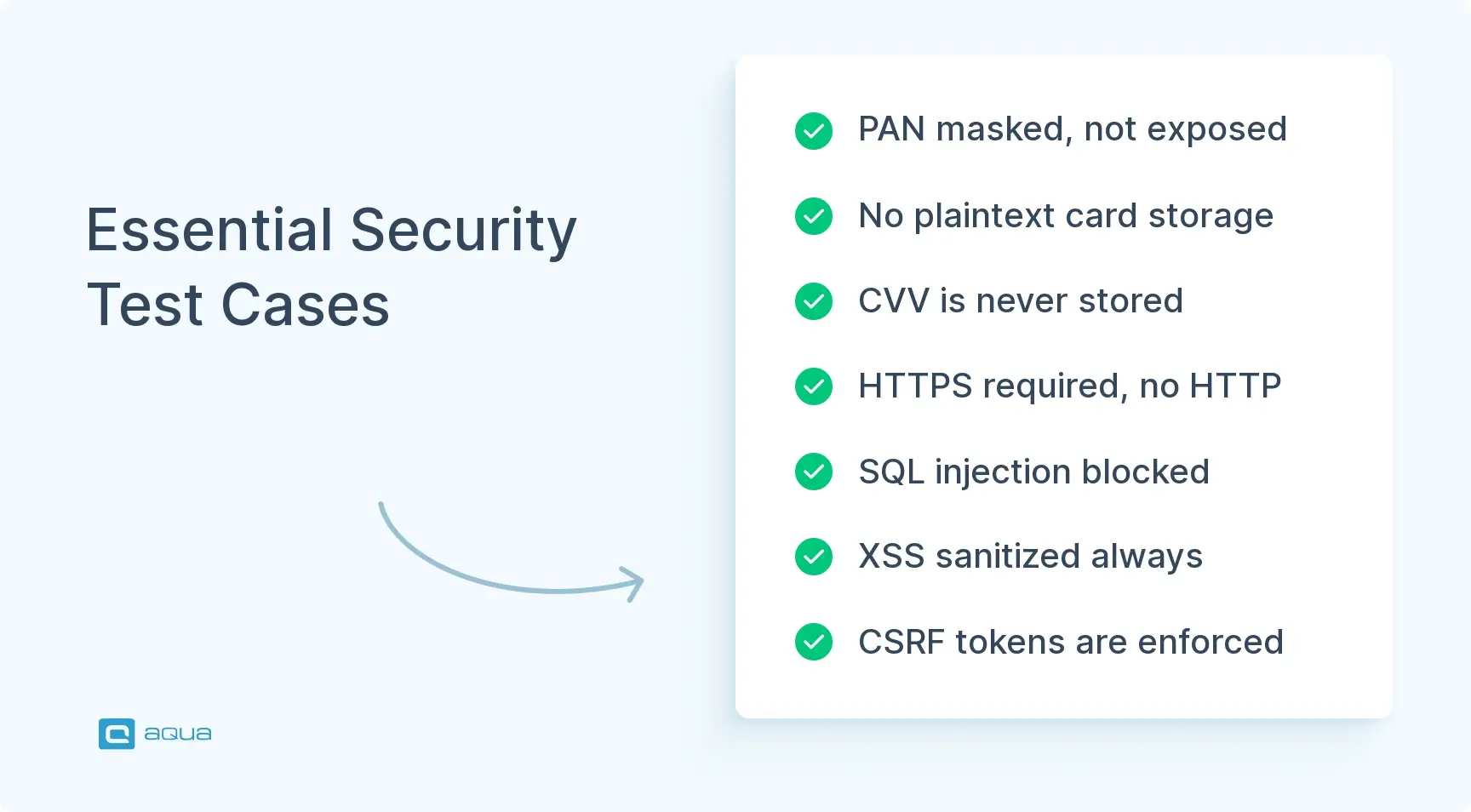
PAN masking – Full card numbers never appear in the UI, logs, or receipts. Only the last four digits show.
No plaintext storage – Card numbers never sit unencrypted in databases or log files.
HTTPS enforcement – Payment pages and API endpoints reject plain HTTP.
CVV non-storage – The CVV isn’t stored anywhere, even briefly.
Session timeout – A payment session expires after inactivity and asks for re-authentication.
SQL injection – Injection strings in payment fields get sanitized.
XSS – Script input in payment forms and confirmation pages doesn’t execute.
CSRF protection – Payment forms carry valid CSRF tokens, and requests without them fail.
Rate limiting – Repeated attempts from one source get throttled, which blocks brute-force guessing of numbers and CVVs.
Authentication. Credit card authentication test cases cover 3D Secure and one-time passwords:
Challenge passed – The customer completes the 3D Secure challenge and the payment goes through.
Challenge failed – A wrong code declines the payment with a clear message.
Challenge abandoned – The customer closes the window and no order is created.
Expired one-time code – The code stops working after its validity window and a new one can be requested.
3D Secure service unavailable – The system fails gracefully and follows your fallback policy.
Frictionless flow – A low-risk payment skips the challenge when your rules allow it.
Fraud detection. Test cases for credit card fraud detection check that suspicious payments get caught and real customers don’t:
Velocity – Many transactions from one card or IP address in a short time get flagged.
Geolocation mismatch – An IP in one country with a billing address in another raises the risk score.
Card testing pattern – Dozens of tiny charges in quick succession trigger a block.
Repeated failed attempts – Several wrong CVVs lock the transaction or require extra verification.
Device fingerprint – A device tied to earlier fraud gets flagged.
False positives – A legitimate returning customer paying from a new city isn’t blocked without a way to verify.
Credit Card Test Cases for Different Card Types
Each network has its own number pattern and CVV length. Testing them separately stops a hard-coded 16-digit assumption from breaking Amex.
Network
Starts with
Number length
CVV
Visa
4
16
3 digits
Mastercard
51 to 55, 2221 to 2720
16
3 digits
American Express
34 or 37
15
4 digits
Discover
6
16
3 digits
Each supported network – Pay with a test card from every network you accept, and confirm correct processing.
Auto-detection – Type the number without picking a card type. The form identifies the network and shows the right logo.
Unsupported networks – Try a JCB or Diners Club card if you don’t accept them. The message clearly lists accepted cards.
Corporate cards – Check any special handling your business needs.
Prepaid cards – Confirm they process or get rejected according to your business rules.
Credit Card Test Cases for Payment Gateways
The gateway is an outside dependency you can’t control, so test how your system handles its good and bad days.
Successful communication – Your system sends all required fields and handles the success response.
Timeouts – A slow gateway doesn’t leave the checkout hanging. The user gets a clear result.
Error codes – Gateway errors map to messages a customer can understand.
Gateway downtime – When the gateway is unreachable, the user sees a clear message or an alternative payment option.
Idempotency keys – A retried request doesn’t create a second charge.
Webhooks – Your system receives and processes status updates, including late ones and duplicates.
Logging – Responses are logged for troubleshooting, with sensitive data stripped out.
Multiple gateways – If you use more than one, routing and data formatting work for each.
Credit Card API Test Cases
If you build or consume payment APIs, check that endpoints behave predictably under good and bad requests.
Valid request – A correctly formed request succeeds with the expected response format.
Missing required fields – A request without a card number or amount returns a 400-level error that names the field.
Invalid formats – Letters in the amount field produce a validation error.
Authentication – Requests with missing or invalid credentials get rejected.
Rate limiting – Rapid repeated calls get throttled.
Payload size – An oversized payload is rejected without crashing the service.
Versioning – Requests reach the right API version, and mismatches fail gracefully.
Response consistency – Success and error responses keep the same structure.
Idempotency – Sending the same request twice with the same key creates one transaction.
Credit Card Test Cases for Mobile Applications
Mobile adds device features and unreliable networks to the mix.
Keyboard type – The card number field opens a numeric keypad.
Autofill – Saved cards from the device keychain fill the form correctly.
Biometric confirmation – Touch ID or Face ID protects payment actions.
Orientation – Portrait and landscape both keep every field reachable.
Network loss mid-payment – Cut the connection during payment. The user isn’t charged twice and can see the outcome after reconnecting.
App backgrounding – Switch away during processing and return. The app shows the true payment state.
Camera card scan – The scanner reads the number and expiry accurately.
Mobile wallets – Apple Pay and Google Pay complete a payment end to end.
Small screens – Forms work on small phones without excessive zooming.
Credit Card Boundary and Edge Case Test Cases
Edge cases find the bugs that appear once in a thousand transactions.
Minimum amount – The smallest allowed transaction processes.
Maximum amount – The upper limit works, and one cent over it is rejected.
Zero amount – The system handles it as your rules say, since some flows use it for card verification.
Very large amounts – A big number doesn’t overflow or lose precision.
Long card numbers – A 19-digit number is handled correctly.
Short card numbers – The shortest accepted length passes and anything shorter fails.
Decimal handling – Test 0.01 and 99.99. Also test currencies with no decimals, like JPY, and three decimals, like KWD.
Expiry at the boundary – Try cards expiring this month, next month, and ten years out. Test on the last day of the month across time zones.
Rapid repeated clicks – Clicking submit many times creates one charge.
Best Practices for Credit Card Testing
Good credit card testing is a habit as much as a checklist.
Use official test cards – Take them from your gateway’s documentation. Never put real card numbers in a test environment.
Stay in the sandbox – Keep test and production fully separate.
Automate the stable cases – Validation, positive flows, and basic declines make good candidates. Leave UX and exploratory work to people.
Test the wording of errors – A good error message is clear, actionable, and free of technical details.
Document your test data – Keep a list of test cards and the behavior each one triggers.
Check compliance regularly – PCI DSS requirements need testing, just like features.
Use real devices – Emulators miss platform-specific problems, especially for mobile wallets and card scanning.
Monitor production – Alerts on payment failures and unusual decline rates catch what testing missed.
Check logs for card data – Confirm they never contain full numbers or CVVs.
Involve security and finance – They know the requirements your cases need to cover.
Credit Card Testing Checklist
Valid, invalid, short, long, and non-numeric card numbers handled
Luhn check enforced
Expiry dates validated, including current month and bad formats
CVV length enforced for each network
Successful payment completes with receipt, email, and database record
Declines, insufficient funds, and lost or stolen cards fail cleanly
Authorization, capture, void, and refunds work
Checkout works for guests and returning users
Totals, tax, shipping, and discounts are correct
Card numbers masked and never stored in plaintext
CVV never stored
HTTPS enforced on every payment page
3D Secure and one-time code flows tested
Fraud rules catch suspicious activity without blocking real customers
Each supported card network tested
Gateway timeouts, errors, downtime, and webhooks handled
API validation, authentication, and idempotency verified
Mobile forms, wallets, and network loss tested on real devices
Minimum, maximum, and zero amounts tested
Duplicate submissions create one charge
Test data documented and compliance checked
You’ve now got the blueprint for comprehensive credit card testing. Let’s be honest, maintaining this level of coverage manually across evolving payment features is a full-time job. This is where aqua cloud becomes your testing advantage. With aqua Intelligence, powered by domain-trained RAG technology, you can transform payment requirements into complete test case suites in seconds, not days. These are contextually intelligent test cases grounded in your project’s actual documentation and business rules. Beyond AI-powered generation, aqua provides the robust test management infrastructure critical for payment systems: granular permissions and audit trails essential for PCI DSS compliance, automated traceability linking every test to requirements, comprehensive reporting that tracks coverage across your entire payment flow, and seamless integrations with Jira, CI/CD pipelines, and your existing security tools. Whether you’re testing checkout flows, gateway integrations, fraud detection, or mobile payments, aqua centralizes everything while maintaining the security standards your payment system demands. Organizations in banking and fintech trust aqua precisely because it combines testing efficiency with enterprise-grade compliance. aqua is ISO 27001 certified, GDPR compliant, and built for regulated environments.
Save 12.8 hours per tester weekly and achieve audit-ready payment test coverage
Credit card testing protects your revenue and your customers’ data. Start with validation and the happy path, then add declines, transaction states, security, and gateway failures. Those are the places where real payment bugs hide.
Keep your cases up to date as networks, gateways, and regulations change. Automate what’s stable, test error messages as carefully as success states, and run the checklist before every payment release.
What are the most important credit card test cases?
Start with card number validation, a successful payment, a declined payment, an expired card, and a wrong CVV. Add duplicate submission prevention, since a double charge hurts customers quickly. Then cover PAN masking and HTTPS enforcement, which protect card data.
How do you test credit card payment functionality?
Work in a sandbox with your gateway’s test cards. Run the full path first: enter the card, authorize, capture, and check the confirmation, receipt, and database record. Then run the failure paths, including declines, timeouts, and duplicate submissions. These credit card payment test cases show whether the happy and unhappy paths both hold up. Finish with security and gateway checks.
What are positive and negative test cases for credit card payments?
Positive cases use valid input and expect a completed payment, such as a valid card with the right expiry and CVV. Negative test cases for credit card payments use bad input or failing conditions and expect a safe failure, such as a declined card, an expired date, or a gateway timeout. Each negative case should state the message the user sees and whether they can retry.
How do you test an expired or invalid credit card?
For an expired card, enter a date in the past and expect a clear “Card expired” message before any gateway call. For an invalid card, try a number that fails Luhn, one with the wrong length, and one with letters. Confirm that no transaction gets created and the user can fix the field without retyping the whole form. Gateway test cards for expired and invalid cards let you check the server-side response as well.
What security test cases should be included when testing credit card payments?
Check that full card numbers are masked, nothing is stored in plaintext, and the CVV is never saved. Confirm HTTPS on every payment page, and test SQL injection, XSS, CSRF, and rate limiting on the payment forms. Add 3D Secure authentication cases and fraud rule checks. Finally, inspect logs to make sure they hold no card data.
Nurlan, a QA Coordinator & Quality Standards Officer, takes pride in orchestrating seamless QA operations. His expertise in coordinating QA-focused projects and integrating QA solutions has consistently yielded top-tier client satisfaction. Aside from a full-time QA coordinator, Nurlan's role involves creating compelling content that educates…
Embodying the essence of a QA Coordination Maestro, Paul has excelled in curating and implementing quality strategies tailored to the nuances of each project. His expertise in the market of QA and Test Management solutions has contributed to a vast portfolio of successfully managed TMS…
Join our community of enthusiastic experts! Get new posts from the aqua blog directly in your inbox. QA trends, community discussion overviews, insightful tips — you’ll love it!
We're committed to your privacy. Aqua uses the information you provide to us to contact you about our relevant content, products, and services. You may unsubscribe from these communications at any time. For more information, check out our Privacy policy.
X
🤖 Exciting new updates to aqua Intelligence are now available! 🎉