Qase is one of the latest test management solutions to enter the market. Despite competing with much more mature tool, it has gained a reputation for being a modern and sleek solution. But limited feature set and deployment models may make you seek Qase alternatives, and we are here to help.
Qase is a capable entry-level test management tool, but gaps in reporting, deployment options, and work organisation features push many teams to look for a tool instead of Qase.
The best Qase alternatives vary by priority: aqua leads on AI features and enterprise compliance, Quality Center on maturity, Kualitee on familiarity, TestRail on widespread adoption, and Zephyr Scale on Jira-native workflows.
On-Premise deployment is unavailable in Qase and unlikely to be added. This is a firm blocker for teams in regulated industries, particularly in the EU.
KPI Alerts, custom reporting, and per-user permissions are absent or paywalled in Qase. All five alternatives on this list address at least one of these gaps.
Migrating away from Qase requires exporting test cases, mapping data structures, and validating coverage before switching tools fully.
Here is a detailed breakdown of each alternative so your team can find the right fit. 👇
About Qase
Qase launched in late 2020 with a small team focused primarily on building a clean user experience. The early versions traded feature depth for simplicity. The early versions focused on providing a great user experience, which also made up for the lack of a wide feature set.
3 years later, Qase is a very competent test management solution that brings most of what a QA team would need. Still, there are some compromises that are hard to address and may stay unresolved for years. Let’s take a close look.
Pros & cons of using Qase
Pros
Qase gets the QA job done. Here are the testing features that you get:
Test cases
Test scenarios
Bulk test edits
Execution history
Nested test cases
Release planning
Filters
Tampering-proof project logging
Qase is developed at a fast pace. While the team slowed down from monthly releases, they still push updates every 2 months. Most updates add new features (including integrations), and there is a road map to track what is coming as well.
Qase started to offer some AI functionality. While the early beta supports generation of small tests only, this is still more than most test management solutions can do. It does not get much better even if you look at much bigger solutions and full-scale ALMs either.
Cons
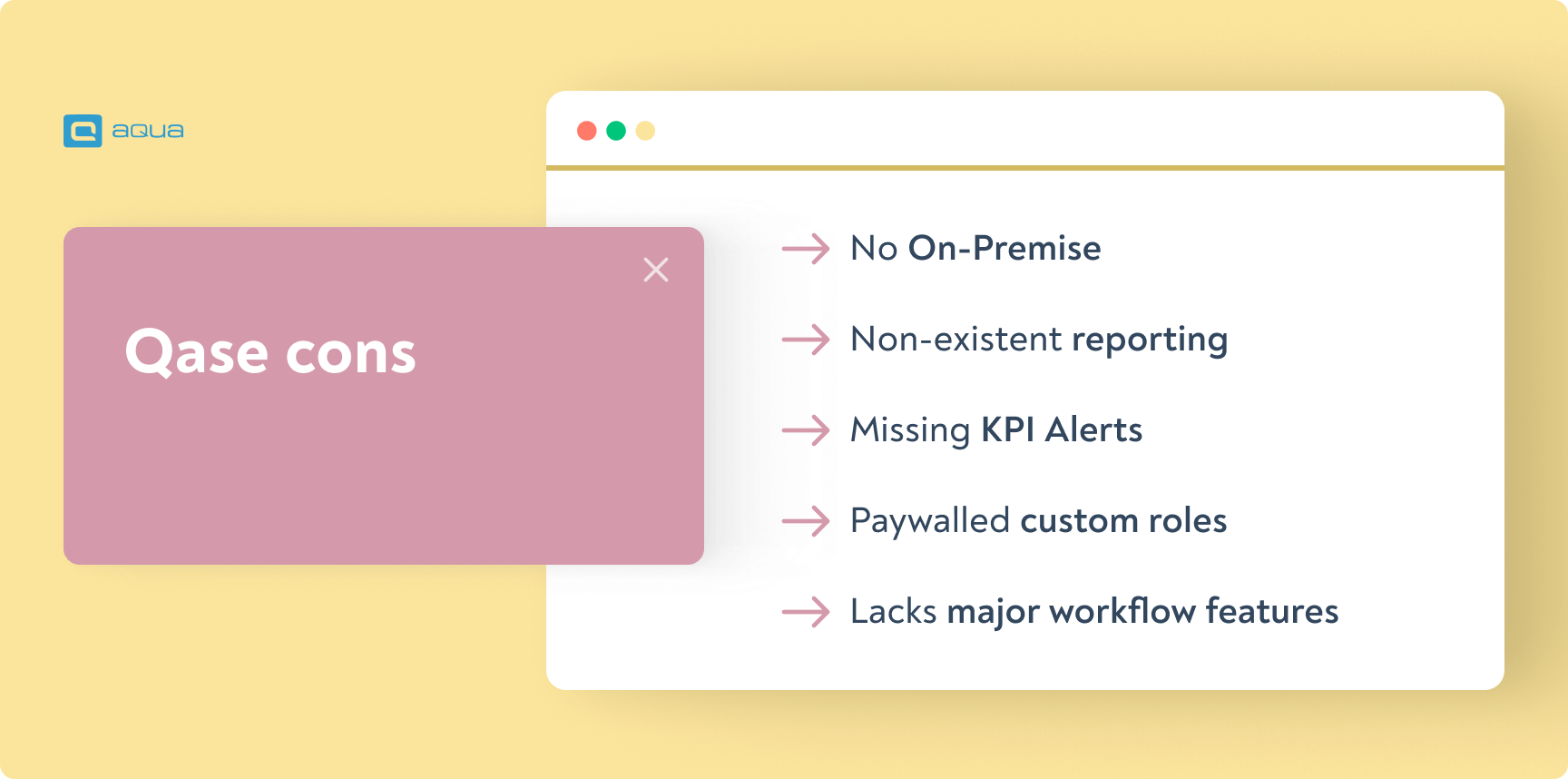
Qase does not support On-Premise deployment. It was not feasible for a new TMS without financial backing, but this option is not on the roadmap either. This omission makes using Qase difficult if not impossible in heavily regulated industries, especially in the EU.
Reporting is non-existent. While you get serviceable dashboards, there is no functionality to further organise and transform data from your workspace. Using analytics to improve QA performance becomes harder, especially when trying to find similarities and differences across several projects.
Dashboards are missing KPI Alerts. While a relatively rare feature, it changes how you interact with dashboards. You would be notified when there is a major change in metrics rather than look at your dashboards every day. Alas, Qase does not offer that.
Qase paywalls custom roles behind more expensive plans. You only get 3 basic roles, which may or may not be suitable for your project and access policies. Working with freelancers becomes a headache when you can’t make a separate role for them either. Higher Qase tiers only bring custom roles instead of per user permissions, too.
Qase lacks major work organisation features. You can’t use Views or Shared Views to quickly see a colleague’s workload or get a better understanding of the situation on the project. There are no Workflows to dictate how tickets are created and handled, which is a major asset for consistently creating tests and dealing with bugs.
Here are a couple of reviews that highlight the positives and negatives of using Qase:
“The main thing which got us using Qase was their UX, which is way more convenient to use than most of the competition.
There is room for improvement, such as reporting — especially cross-team reporting and building holistic views on how all projects are doing across the company”.
Mikko V.,
Enterprise (>1,000 emp.)
“There is one area where I feel Qase could improve: the process of writing test steps for similar cases. While the platform provides some tools to make this easier, writing out the same steps for multiple cases with similar characteristics can still be quite time-consuming and tedious“.
Luka C.,
small business (<50 emp.)
List of 3 Qase alternatives
Now that you know more about Qase, let’s explore tools that do things differently or better.
Best AI and all-in-one QA: aqua
aqua has been in the market for over 10 years, but the parent andagon group dates back to 2001. The company had a decade of QA consulting in highly regulated industries for companies of any scale before it created its own solution.
This is the first solution to use the algorithm behind ChatGPT for testing with AI, almost a year earlier than Qase. Here is the current AI feature set:
Optionally provide your past tests as context for the AI algorithm
Generate entire tests with AI
Cover a new requirement with tests in one click
Update tests after a requirement was changed
Finish test drafts in one click or iteratively with the AI chatbot
Narrate a requirement with your voice and get a complete text ticket for it
Remove duplicates
As a much more mature tool, aqua excels in many areas where Qase is lacking.
Pros:
Rich AI feature set
On-Premise, GDPR-compliant vendor Cloud, or Custom Cloud deployment
ALM functionality
KPI Alerts
Rich customised reporting, including self-updating scripts and parametrisation
Workflows and views
100+ per user permissions for all customers
12+ advanced QA integrations ou of the box
Native 2-way Jira sync with a simple setup — use advanced aqua & Jira features in one tool
Weekly & monthly feature releases that are well-documented in an extensive wiki
Customer success team ready to help you via live chat, scheduled calls, or emails
Cons:
Non-QA integrations need to be set up with REST API — but it would take only 10 minutes
No esignature functionality
“The reporting is meaningful and provides a good basis for decisions. After the employees have used aqua, they recognize the added value very quickly.”
Thomas Haeske,
Head of Organisation/IT at Berlin Hyp
Find more details on our aqua vs Qase comparison page.
Old-fashioned, but reliable alternative: Micro Focus Quality Center
If you are looking for something completely different, Quality Center is the right tool. It is one of the longest-running Enterprise solutions with the feature maturity (and pricing) to match.
Pros:
Polished and proven QA experience
On-Premise & Cloud deployment
Excellent dashboard including KPI alerts
Solid reporting
Cons:
Limited item history management
Just 3 QA integrations out of the box
Role permissions only
$55,000+VAT per year before any licence costs
No AI functionality
Yearly feature releases only
“Quality Center is overall good, for non-agile products especially. It is a quality product that doesn't run into problems or issues — very enterprise-grade.
The way that the functionality is organised (requirements - plans - test - runs - reports) makes a lot of sense. The traceability across the phases of the release works really well.
It is just difficult to transpose the way this tool is organised to Agile sprints and releases. It requires substantial effort to make it work in an Agile environment.”
Kualitee is among the best Qase alternatives for teams that want a familiar interface and similar functionality without changing their testing approach significantly. As a fairly fresh tool, it shares many pros and cons of Qase including aggressive effort to increase the market share.
Pros:
Sufficient QA functionality
Solid dashboards
Reporting functionality available
Cons:
No AI-powered testing
Uninspiring UX compared to other tools on the list
Cloud only
Reports are limited to templated only
Custom roles but no per user permissions
Can’t handle requirements management
Just 1 native QA integration (REST API still available)
Poor traceability
“The user interface is not friendly, but the features are very good. Sometimes it takes time to load, and the page is not responsive. It would be great if adding test cases into the test execution cycle was faster.”
Marcello M.,
Research Assistant at a small business (<50 emp.)
Widely adopted alternative: TestRail
TestRail is one of the most widely used standalone test management tools on the market. It has been a default choice for many QA teams for over a decade, which makes it a natural migration target when moving away from Qase.
Pros:
Well-structured test case management with strong organisation features
Solid reporting with customisable templates and milestone tracking
Cloud and on-premise deployment options
Wide integration support including Jira, GitHub, and Jenkins
Large user community with extensive documentation
Cons:
No AI-powered test generation or prioritisation
Pricing scales steeply with team size
UI feels dated compared to newer tools
Limited workflow customisation
No native requirements management
TestRail is a stable, proven tool instead of Qase for teams that prioritise reporting depth and deployment flexibility. It does not match aqua on AI functionality or enterprise features, but it outperforms Qase on reporting and on-premise availability.
Best for Jira-native teams: Zephyr Scale
Zephyr Scale, developed by SmartBear, is the go-to option for teams whose entire workflow runs inside Jira. It embeds test management directly into Jira projects, which removes the context-switching that standalone tools require.
Pros:
Native Jira integration with bi-directional traceability
Test cases live alongside development tickets in the same workspace
Solid test execution and coverage reporting within Jira
Cloud and data centre deployment options
Familiar interface for teams already using Jira
Cons:
Only useful if your team is fully committed to Jira
No meaningful AI functionality
Reporting is limited outside the Jira ecosystem
Less suitable for teams that need standalone QA capability
Per-user pricing adds up quickly for larger teams
Zephyr Scale is one of the best Qase alternatives specifically for Jira-heavy teams. If your developers and QA engineers already live in Jira, the integration value is significant. For teams that need broader ALM functionality or AI-powered testing, aqua is the stronger choice.
aqua cloud's customer success team supports migrations from Qase, TestRail, and other tools.
How to Migrate Your Test Cases and Data Away from Qase
Switching to a tool instead of Qase does not have to be disruptive. A structured migration process keeps your existing test coverage intact and prevents data loss during the transition.
Step 1: Export your data from Qase.
Qase supports export to CSV and XML formats. Export all test cases, test suites, and execution history before starting the migration. Store these exports in a version-controlled location so your team can reference them if anything goes wrong during import.
Step 2: Map your data structure.
Before importing into the new tool, compare how Qase organises data with how your target platform handles it. Fields like test case ID, preconditions, expected results, and custom fields may not map directly. Create a field mapping document so your team knows what goes where, and flag any fields that have no equivalent in the target tool.
Step 3: Clean the data before import.
A migration is a useful opportunity to remove outdated or duplicate test cases that have accumulated over time. Review your exported data and archive anything that no longer reflects the current product. Importing clean data reduces maintenance work in the new tool from day one.
Step 4: Run a pilot import.
Import a small subset of test cases first, typically one project or one test suite. Verify that the data looks correct, that traceability links are intact, and that any integrations with your CI/CD or defect tracking tools are functioning. Fix any issues before importing the full dataset.
Step 5: Validate coverage after migration.
Once the full import is complete, compare test coverage in the new tool against your Qase baseline. Confirm that all requirements are still linked to test cases and that no execution history was lost for tests that need an audit trail.
Step 6: Run both tools in parallel briefly.
Keep Qase active for two to four weeks after the migration is complete. Run new tests in the new tool but allow your team to reference Qase for historical data. This overlap reduces the risk of losing context during the adjustment period.
aqua cloud supports direct import of test case data and offers a customer success team that can assist with migrations from tools including Qase, TestRail, and Jira. The setup time for a typical migration is significantly shorter than most teams expect.
We haven't jumped but are planning to. Our shortlist is qase.io and aqua-cloud.io. Our main needs were improved reporting based on our hierarchical tags/folders and ease of support for parameterised tests.
While modern tools are too good to find a free Qase alternative, we have gathered a few options for companies of any size. Whether its reliability or AI functionality, they can handle QA and even the entire application lifecycle areas better than Qase does.
Overall, aqua is the most balanced upgrade from Qase. You are getting bleeding-edge QA functionality, On-Premise support, and actual Enterprise-grade reporting. Workflow functionality is a major time saver for both setting up new projects and scaling them up.
Robert has several years of experience in process optimisation and test management. He is an expert in defining and implementing workflows by adapting aqua to the clients’ processes.
EFL teacher turned content QA Specialist and talented writer, Denis has been working with European and American IT companies for 6 years. Denis has excelled in curating and implementing quality strategies tailored to the nuances of each project. Other than building processes and typing away,…
Join our community of enthusiastic experts! Get new posts from the aqua blog directly in your inbox. QA trends, community discussion overviews, insightful tips — you’ll love it!
We're committed to your privacy. Aqua uses the information you provide to us to contact you about our relevant content, products, and services. You may unsubscribe from these communications at any time. For more information, check out our Privacy policy.
X
🤖 Exciting new updates to aqua Intelligence are now available! 🎉