Top 4 PractiTest alternatives that do what it can’t
PractiTest is a popular and established test management solution that has been in the market for 15 years. The market, however, has never been more diverse with a number of old and new PractiTest alternatives. Let’s have a look at tools that may make you reconsider using or adopting PractiTest.
PractiTest is one of the pioneers of Software as a Service. These days, this model gets its fair share of pushback in both B2B and B2C verticals — especially when heating your car seats becomes a subscription option too. Back in the late 2000s, paying PractiTest a reasonable subscription fee was a breath of fresh air compared to multi-thousand upfront investments for using competitor tools. You would have likely had to pay them for maintenance too.
Over a decade later, PractiTest is still a good value option for software testing. You get a very competent feature set in their value regular offering. Competent, however, does not mean cutting-edge — and there are some unpleasant restrictions as well.
Pros & cons of using PractiTest
Here are the main advantages and disadvantages of using PractiTest as your test management solution.
Pros
PractiTest has excellent software testing features. As a mature product, it had the time to extend beyond core functionality like just creating and executing test cases. Here are the main PractiTest features that you will likely be using the most:
Test cases
Test scenarios
Bulk test edits
Execution history
Nested test cases
Release planning
Filters
Tampering-proof project logging
Timestamped item history for compliance
PractiTest has a sustainable approach to integrations. The main path is using xBase test automation framework to create, store, and execute automated test cases without even integrating other solutions. If needed, you could also use REST API to integrate PractiTest with nearly any tool that came before and after PractiTest.
PractiTest supports Custom Cloud deployment. While a lot of businesses will be fine with hosting their workspace on PractiTest servers, some companies can’t do that. Whether it’s internal security policy or a regulatory requirement, you can deploy PractiTest to any major Cloud datacenter instead. This gives you some extra security while not compromising on convenience.
PractiTest can be your only solution for everything. It is technically a QA-minded application lifecycle management tool rather than a test management solution. This means that you can create requirements, plan development effort, test code, and track defects just in PractiTest. This is great for both cross-team communication and your annual bill on software licences.
Cons
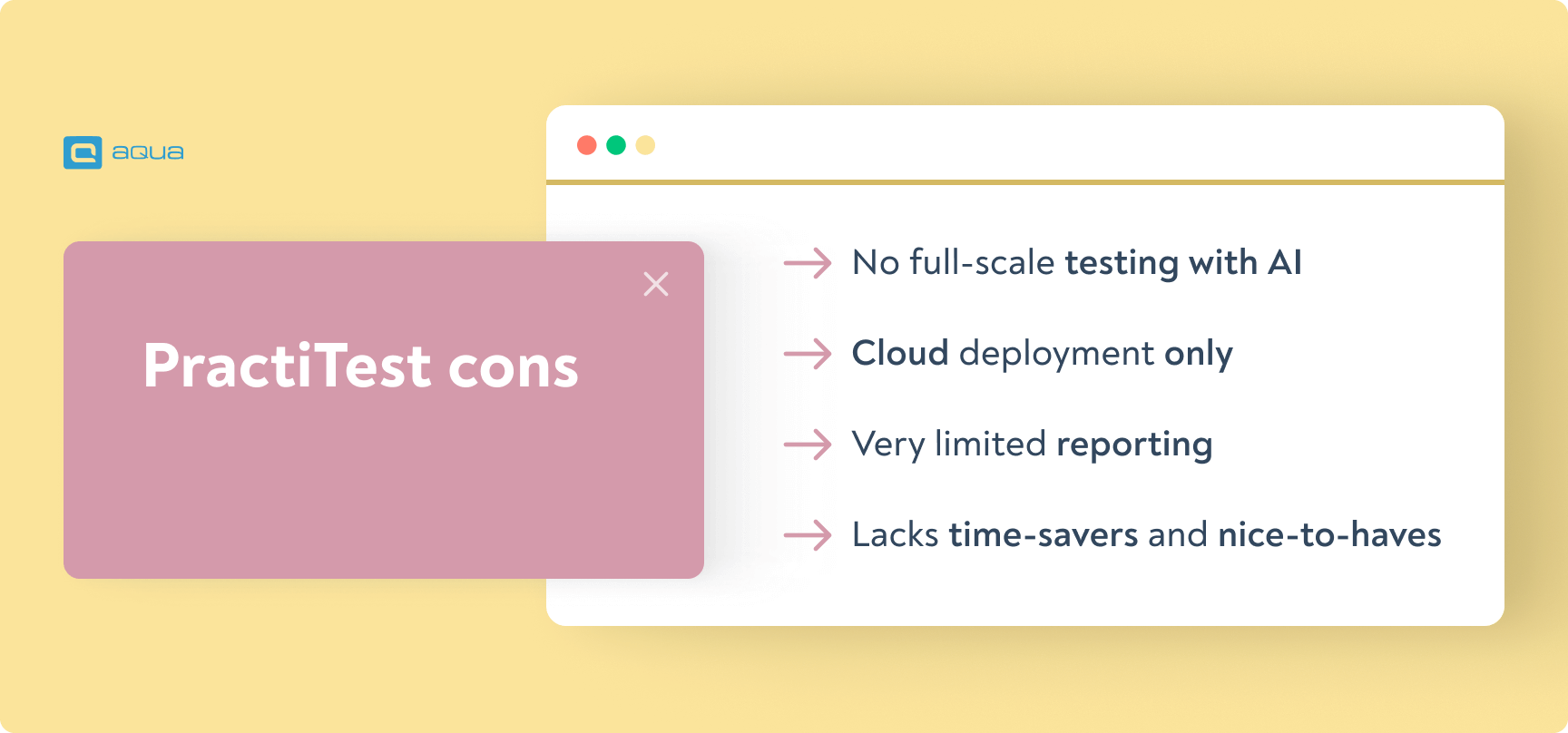
PractiTest does not offer full-scale AI testing. You’re looking at a significant gap here – PractiTest falls short on AI automation that’s becoming standard elsewhere. While competitors now offer self-healing tests that automatically fix broken scripts and AI that generates test cases straight from your requirements, PractiTest only dabbles in basic test prioritization. Predictive test selection can slash your testing time in half by running only the tests that matter for each code change. If you’re manually writing test cases or constantly fixing broken automation scripts, you’re already behind. Start by evaluating alternatives that offer at least AI-assisted test generation – it’s the easiest win that’ll free up your team for actual strategy work instead of maintenance drudgery.
PractiTest does not support On-Premise deployment. For such a veteran tool, it may be quite surprising to see that you can’t just spin it up in-house. Alas, you can only use Cloud to set up your instance. On-Premise is a major security requirement in some industries that will make you look for a different solution similar to PractiTest.
PractiTest’s reporting is uninspiring and very limited. PractiTest’s reporting feels stuck in the past; just 5 rigid templates and zero flexibility for stakeholders who need real insights. You can’t even throw in external data or set up basic dashboard alerts. Start by listing the top 3 reports your stakeholders request most. Tools like Qase let you generate live HTML reports instantly and share them with anyone via API, no extra licenses needed. That’s the difference between sending static PDFs and giving teams interactive data they’ll actually use.
PractiTest lacks a lot of time-savers and nice-to-have features. You can’t create workflows that dictate how tickets are created and handled. Selenium is the only out-of-the-box QA integration if you prefer third-party solutions over mastering xBase. Most users have to buy a full licence or be restricted to read-only; there are no subsidised or discounted licences that can make changes or simply run tests. Views and shared views are not supported.
Here is a review that covers some real-life pros and cons of PractiTest:
“PractiTest has good customer service. They have some helpful reporting and clean UI compared to other test management tools available in the market. Their pricing model isn't the worst.
Functional changes haven't been made in years. We talked to the agents, but they weren't accommodating. Instead, we were asked to provide the in-house scripts we wrote to automate and make our life easier using PractiTest. PractiTest is a UI with filters and tags that make everything tedious instead of making test management tasks more manageable”.
Pahuni A.,
Software Engineer at an SMB company
List of 4 PractiTest alternatives
If this PractiTest overview leaves you open to alternatives — we got you covered. Here is a list of competing tools that you may find more exciting or simply better suited to your needs.
Best AI and all-arounder: aqua
The aqua testing tool has been in the market for over 10 years, but it is now more fresh than ever. It is the first test management solution to offer AI testing with GPT, the large language model behind ChatGPT. Here is what you can do with it:
Auto-train AI Copilot with your tests
Generate entire tests with AI
Narrate a requirement with your voice and get a structured AI-enhanced ticket for it
Complete test drafts
Update tests for a changed requirement
Remove duplicates
The AI functionality is recent, but other features have had plenty of time to develop. This includes mature test management, industry-leading custom reports wizard, and user management beyond the market average.
Pros:
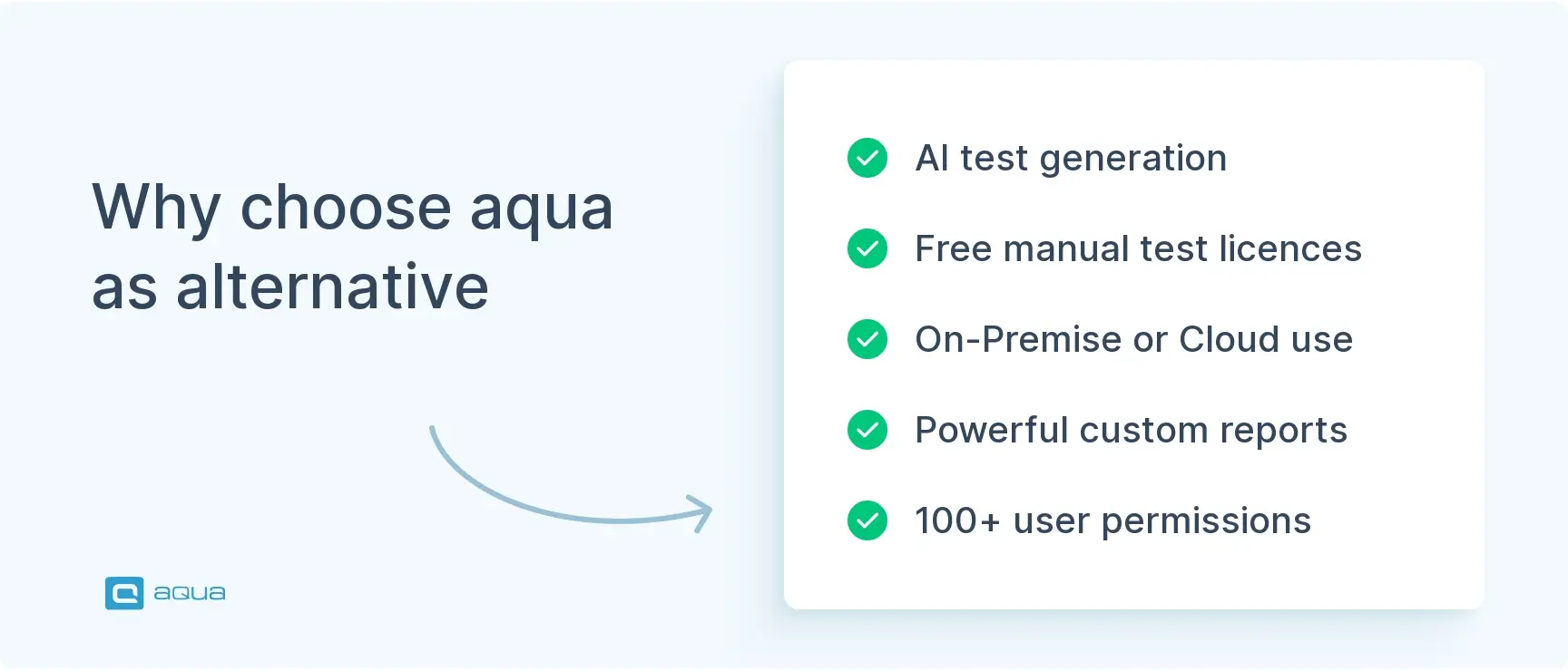
AI test generation
Workflows, views, and KPI alerts for maximum efficiency
12+ integrations out of the box & REST API
Free licences for manual testing
ALM functionality
Both On-Premise and Cloud deployment
100+ individual user permissions
Extensive wiki that is updated alongside feature releases
German and English-speaking customer success specialists providing live chat, screen sharing sessions, and email support
Cons:
Native integrations focus on advanced Enterprise-scale QA tools — but you can easily integrate anything else via REST API
No esignature functionality
“The reporting is meaningful and provides a good basis for decisions. After the employees have used aqua, they recognize the added value very quickly.”
Thomas Haeske,
Head of Organisation/IT at Berlin Hyp
You can find a detailed comparison on our separate aqua vs PractiTest page.
Qase is a surprisingly feature-rich solution for something that was launched just in late 2020. Given the release window, it naturally has a very modern interface and mature UX implementation that does not get in your way.
Pros:
Modern look and feel
Early beta AI functionality
Solid test management
Serviceable dashboards
ALM functionality
Cons:
Cloud deployment only
Out-of-the-box test automation only via open-source frameworks
No dedicated reporting
Custom roles are locked behind a more expensive plan
AI test generation ignores the context of your workspace
“The main thing which got us using Qase was their UX, which is way more convenient to use than most of the competition.
There is room for improvement, such as reporting — especially cross-team reporting and building holistic views on how all projects are doing across the company”.
Mikko V.,
Engineer
Best Jira plugin: Xray
If you want some more radical PractitTest tool alternatives, Jira plugins are your answer. They allow you to perform quality assurance tasks right where you create and handle requirements — if you are using Jira already.
Xray is arguably the poster child of such solutions. It embodies the best that Jira plugins have to offer while clearly highlighting their limitations.
Pros:
Does not require adding a new tool
Tightly integrated with Jira
Serviceable test management
Test automation via DIY frameworks
Cons:
No AI testing
Relies on Jira to work
Jira tech issues also block your testing effort
Limited, Microsoft/Excel layout reports only
Can’t buy Xray licences for only some of your Jira users
“According to me, Xray is the best test management tool in Jira. The only thing that bothers a lot is the order of test cases gets disorganised each time a test execution or test plan gets created.”
Dinesh P.,
Software Development Engineer
Traditional Enterprise alternative: qTest
If you are looking for a more premium alternative, qTest is a great option. It won’t offer your bleeding-edge functionality that aqua is after. It does not have the high pace of development that Qase tries to maintain. It costs noticeably more than PractiTest. Still, qTest covers all the QA bases and is largely reliable.
Pros:
Feature-rich test management
Powerful custom reports
Per user permissions
ALM functionality
On-Premise deployment
Cons:
Lacks AI testing features
No free licences
Test automation via a framework that ceased commercial development
Queries instead of visual views
“qTest helps to manage projects, test planning, test case management, execution tracking, defect management and reporting. It supports real-time collaboration, which allows team members of a project to view, create and update test cases simultaneously.
The customization features of qTest are a little bit below other tools. Sometimes while handling many test cases, test runs and users, we face performance issues.”
Pahuni A.,
Software Engineer
Final thoughts: what tool to choose?
As you can see, there are enough PractiTest substitutes for every reason why you may want to use a different solution. While you will struggle to find PractiTest free alternatives, it is free trials (and our testing strategy template shared earlier in the article) that will help you to make the right choice.
Still, we strongly recommend that you try the latest and greatest, especially when trying does not cost extra. aqua’s AI testing features are available to all new users, and they won’t cost extra to retain in your licences. They build on top of a market-proven QA solution that works reliably and passes even the strictest of regulatory checks.
Enhancement of the aqua product is Martin’s main responsibility and biggest mission. His expertise covers ITIL Process Consulting, Change Management, Quality Assurance, Quality Management, and Requirements Management. Martin works in QA services for regulated industries for more than 18 years being an irreplaceable leader at…
EFL teacher turned content QA Specialist and talented writer, Denis has been working with European and American IT companies for 6 years. Denis has excelled in curating and implementing quality strategies tailored to the nuances of each project. Other than building processes and typing away,…
Home » Best practices » Top 4 PractiTest alternatives that do what it can’t
Do you love testing as we do?
Join our community of enthusiastic experts! Get new posts from the aqua blog directly in your inbox. QA trends, community discussion overviews, insightful tips — you’ll love it!
We're committed to your privacy. Aqua uses the information you provide to us to contact you about our relevant content, products, and services. You may unsubscribe from these communications at any time. For more information, check out our Privacy policy.
X
🤖 Exciting new updates to aqua Intelligence are now available! 🎉